

Film photography still holds a powerful place in modern storytelling, especially when preserving memories that cannot be recreated. The challenge today is not just capturing or saving these memories but converting them into digital formats that remain sharp while still being easy to store and share. Many users rely on film scanning services to achieve this balance between clarity and convenience.
In this guide, you will learn how to manage file size without losing visual quality, how resolution affects your digital results, and what practices professionals use to maintain long term preservation standards.
What Film Scanning Means?
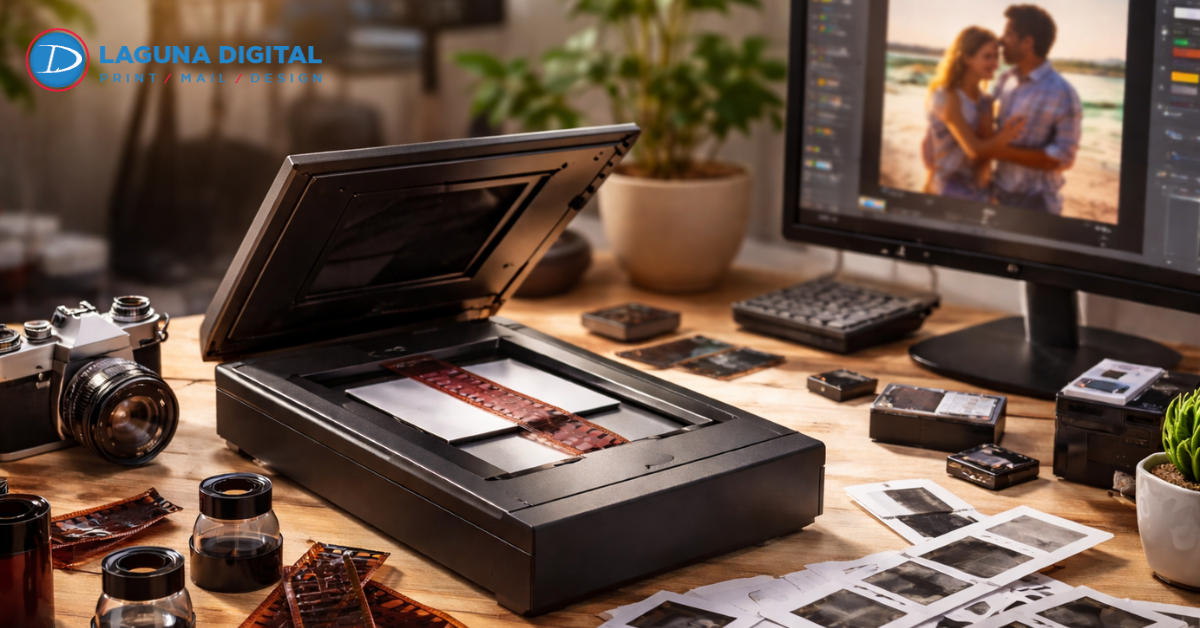
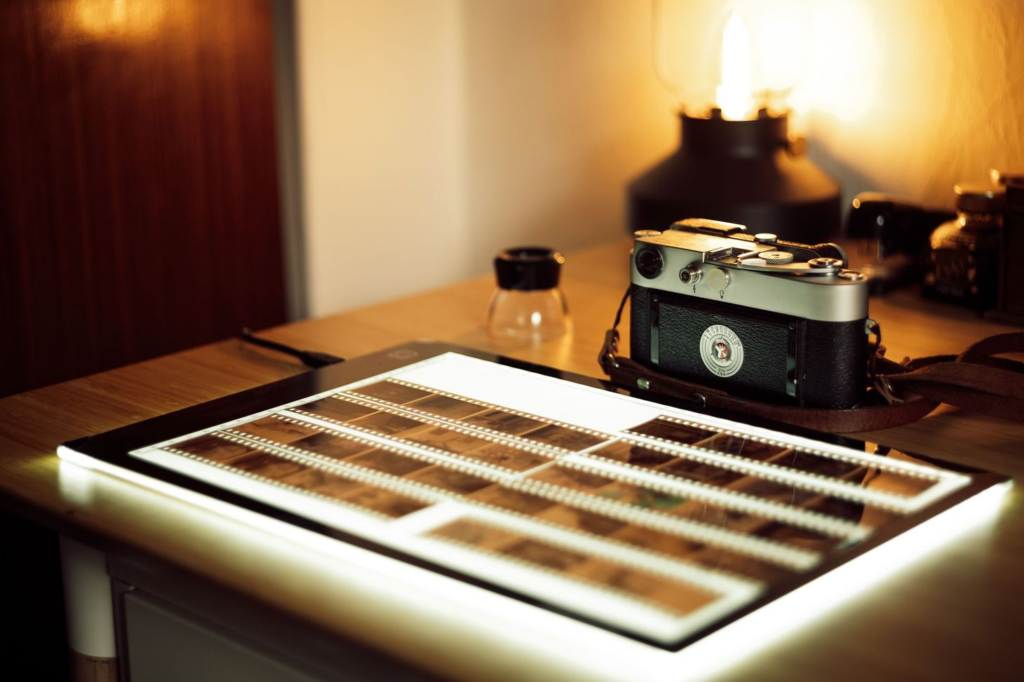
Film scanning is the process of converting physical film negatives and slides into digital formats. It allows old photographs to be stored, edited, and shared easily while preserving visual detail.
This process is widely used in professional film digitization practices followed by archival specialists, ensuring long term preservation accuracy and consistency.
Why Film Scanning Quality Matters for Preservation
Preserving Historical and Personal Value: Old photographs often carry emotional and historical significance. Maintaining their clarity ensures that future generations can experience them as intended.
Enhancing Accessibility Across Devices: Digitized images can be accessed on phones, computers, and tablets. This makes sharing easier among family members or professional teams.
Supporting Creative and Commercial Use: High quality film scans are often used in creative projects, marketing materials, and archival research. This makes precision extremely important in the scanning process.
Improving Restoration Opportunities: Better quality film scans allow for more effective photo restoration work. Details such as scratches and fading can be corrected more accurately when the base image is high quality through negative scanning services.
Ensuring Consistency Across Collections: Consistency in scanning ensures that large collections look uniform. This is especially important for businesses and archives managing thousands of images using structured photo film digitizing service workflows.
Methods to Balance File Size and Image Quality
Choosing Correct Resolution Settings
Selecting the right resolution is the foundation of efficient scanning. Higher settings are useful for detailed work, but not always necessary for everyday viewing. Experts providing high resolution film scanning understand when to scale resolution up or down to maintain a practical balance between clarity and file size.
Compression Techniques for Efficient Storage
Compression reduces file size while preserving visible quality. Proper compression ensures images remain sharp without becoming unnecessarily large. This is especially useful when handling large archives or preparing files for digital sharing platforms where speed matters.
Color Correction and Image Refinement
Color correction restores faded tones and improves visual accuracy. In high resolution film scanning, professionals carefully adjust brightness and contrast so that images look natural. The goal is to enhance without over editing while following industry grade negative scanning services standards used in archival restoration workflows.
Equipment Role in Scanning Quality
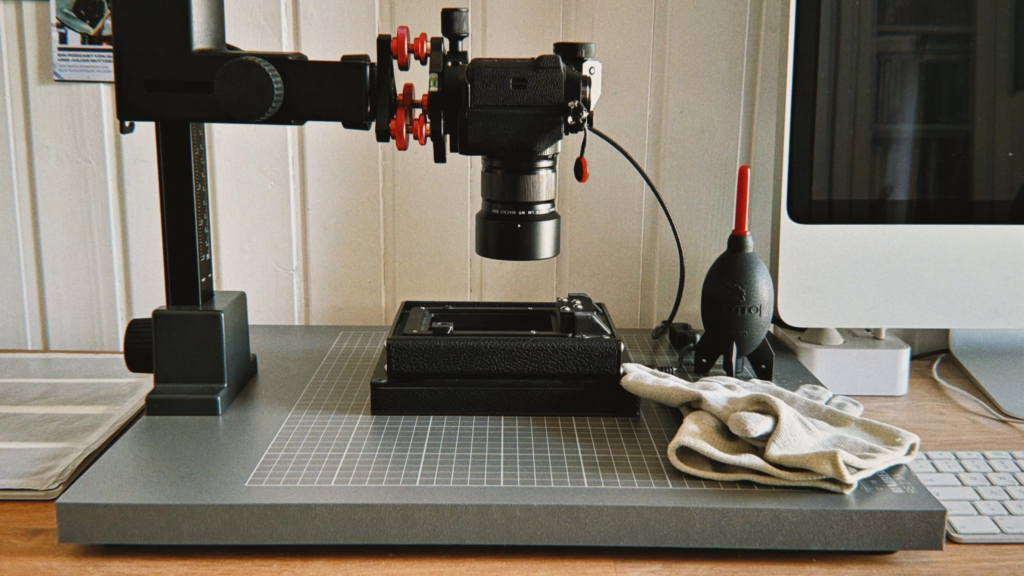
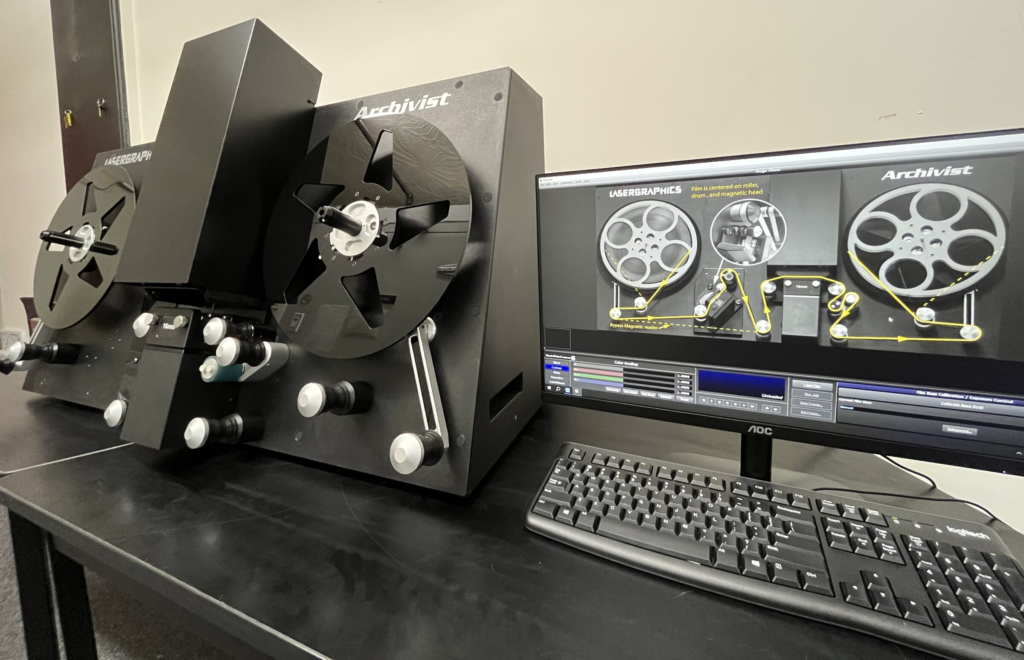
Advanced scanners play a major role in producing accurate digital images. Companies offering film scanning services use modern equipment that captures fine detail while controlling file size output. Good equipment reduces noise and ensures consistent quality across all scanned frames.
Workflow Efficiency in Professional Digitization
A smooth workflow ensures that scanning, editing, and exporting are done without unnecessary steps. In professional film digitization, each stage is optimized to maintain quality while reducing processing time. This structured approach is also standard in large scale professional film digitization projects across archival institutions.
Best Practices for Long Term Digital Archiving
File Format Selection for Preservation
Choosing the right format impacts both quality and storage. TIFF files are often used for archiving due to their detail preservation, while JPEG is preferred for smaller sizes. This balance helps maintain flexibility for different usage needs over time.
Backup Systems and Cloud Storage Use
Cloud storage ensures that digital memories are protected from hardware failures. Regular backups add another layer of safety, making sure that no scanned image is lost due to unexpected technical issues or system crashes.
Organizing Digital Collections Properly
A well structured archive makes searching and sharing easier. Proper naming systems and folder organization help manage large format collections efficiently.
Sharing Digital Film Online Safely
When sharing images online, file size becomes critical. A photo film digitizing service ensures that images are optimized for fast uploading without losing clarity while maintaining professional standards.
Final Review Before Archiving
Before final storage, each image should be checked for clarity, alignment, and color accuracy. This ensures consistent quality control aligned with best practices used in high end archival environments.
Frequently Asked Questions
What is the best file format for film scans?
TIFF is best for archiving and editing because it is lossless. JPEG is best for general use and sharing because it saves space. Most people find that a high quality JPEG meets all their needs without taking up too much room.
Can I scan my own film at home?
Yes, you can buy consumer scanners. However, they usually lack the speed and advanced correction features found in professional setups used in film scanning services.
How do I know what resolution to choose?
If you only want to view photos on a screen, 2000 DPI is usually enough. If you plan to print large photos or crop images, 4000 DPI or higher is recommended.
Does scanning damage the original film?
When done correctly, scanning is a non destructive process. The film is handled carefully and returned safely after negative scanning services procedures.
How long does it take to digitize a large collection?
Timelines vary depending on volume and correction needs. Large archives may take several weeks, especially when processed through structured professional film digitization workflows.
Wrapping It Up
Finding the perfect balance between file size and image quality is a journey that pays off in the long run. By choosing the right formats and resolutions, you ensure that your history is preserved with the respect it deserves.
Whether you are looking for film scanning services for a single roll or a complete photo film digitizing service for your entire collection, the goal is clarity and accessibility. High quality files allow you to relive those moments in stunning detail, while smart compression makes those memories easy to share.
For those seeking a trusted and quality driven approach, Laguna Digital delivers professional grade digitization standards designed to preserve every detail while optimizing file efficiency for long term storage and sharing.