
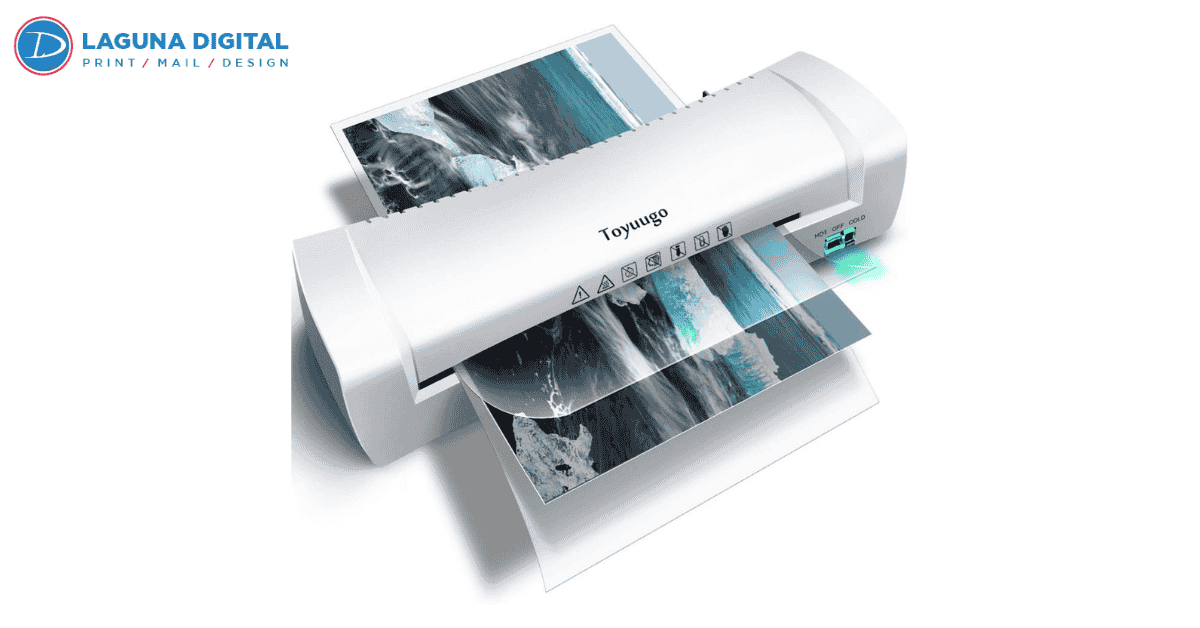
We’ve all felt that sinking moment when a crucial document gets ruined—a coffee ring on an important presentation cover, a tear in a frequently used reference map, or a restaurant menu peeling at the corners after only a week. After years in the printing industry, I’ve seen just how fragile paper can be and how quickly professional materials lose their polish without the right protection. That’s exactly where Lamination Services make the difference, preserving both the look and longevity of printed pieces.
When you invest time and money into designing and printing materials, protecting that investment should be the immediate next step. Finding reliable Lamination Services isn’t just about covering paper in plastic; it is about extending the lifespan of your assets and ensuring they withstand the daily grind. Whether you are a business owner trying to keep manuals pristine or an individual preserving a memory, professional lamination provides that essential layer of armor against moisture, fingerprints, and UV fading.
Why Professional Lamination Matters for Your Documents
Many business owners assume that paper quality alone is enough to convey professionalism, but the tactile experience plays a huge role in how your brand is perceived. A flimsy, dog-eared flyer gets thrown away, whereas a sturdy, laminated card feels valuable and permanent. In my experience working with local restaurants and service providers, lamination is often the difference between re-printing materials every month versus once a year.
Beyond just durability, lamination services enhances the vibrancy of your ink. It acts similarly to a varnish, deepening the blacks and making colors pop off the page. However, achieving this requires more than just a standard office machine. Professional-grade equipment applies consistent heat and pressure that prevents the clouding or silvering often seen in DIY attempts, ensuring your documents look crisp and readable for the long haul.
The Risks of DIY vs. Commercial Finishing
I often have clients come in carrying a stack of papers they tried to laminate themselves using a cheap desktop machine bought online. The results are usually heartbreaking: bubbled surfaces, wrinkled corners, or documents that have curled up like a potato chip. This usually happens because consumer-grade machines cannot maintain the precise temperature control needed for smooth adhesion, or the pouches used are of inferior quality.
Furthermore, lamination is a permanent process. If a machine jams or an air bubble forms over a crucial signature, there is often no way to reverse the damage without destroying the document. This is why we always recommend digitizing important originals before subjecting them to heat processing. By utilizing professional scanning services first, you ensure that you have a high-resolution digital backup. This gives you peace of mind knowing that even if the physical copy is lost or damaged later, the information is safe.
Choosing the Right Thickness and Finish for Your Project
One of the most common questions I get is, How thick should the lamination be? In the industry, we measure this in mils. A standard piece of paper feels vastly different with a 1.7 mil laminate compared to a 10 mil laminate. For something like a folded brochure, you need a thin, flexible film that won’t crack when folded. Conversely, an ID badge or a reusable reference card needs a rigid, heavy-duty 10 mil thickness to prevent bending.
Understanding these technical aspects is key to getting the result you want. If you choose a laminate that is too thick for a tri-fold menu, it simply won’t stay closed. If you choose one that is too thin for a signage poster, it might sag on the easel. It is also vital to understand how different laminates react to environmental factors. If you are interested in the technical side of how we keep documents safe, you might want to read more about protecting prints to understand the science behind the seal.
Gloss vs. Matte: Which One Fits Your Brand?
The finish you choose can completely change the vibe of your project. Gloss is the traditional choice; it reflects light and makes colors appear highly saturated and sharp. It is generally the go-to for marketing materials where you want to grab attention quickly. However, gloss has a downside: glare. If your material is going to be read under bright overhead lights like a warehouse safety poster or a restaurant menu the reflection can make it hard to read.
Matte lamination, on the other hand, offers a sophisticated, non-glare finish that feels velvety to the touch. It softens the contrast slightly but makes text much easier to read in varied lighting conditions. In the world of digital printing, we are seeing a massive shift toward matte and soft-touch laminates for luxury brands. It conveys an understated elegance that high-end real estate agents and boutique shops love. Choosing between the two isn’t just about preference; it’s about the environment where the document will live.
Preserving Memories and High-Definition Imagery
When we deal with photography, lamination becomes even more critical. Photographs are chemically sensitive and can fade rapidly when exposed to sunlight. A UV-protective laminate acts as a sunscreen for your images, slowing down the fading process significantly.
However, you have to be careful. Some high-gloss laminates can cause a wet look that might distort the artistic intent of a fine art print. Conversely, a heavy matte can dull the sharpness of a high-resolution landscape shot. If you are investing in professional photo printing, ask your service provider for a sample of the laminate over a similar image. We always try to match the laminate to the paper stock to ensure the texture enhances the image rather than distracting from it.
Lamination Solutions for Multi-Page Projects
Most people think of lamination as a single-sheet solution, but it is incredibly useful for bound materials as well. Think about training manuals, cookbooks, or presentation decks that see heavy rotation. Laminating the covers or even the interior pages ensures they survive coffee spills and rough handling.
When we work on book printing projects, we often recommend laminating the front and back covers at a minimum. For coil-bound books used in kitchens or workshops, we can laminate every single page and then punch the binding holes through the plastic. This creates an indestructible book that can be wiped down with a damp cloth. It’s a favorite solution for industrial safety manuals and restaurant recipe books that are constantly in the splash zone.
Cost Factors: Getting Quality Without Breaking the Bank
The term affordable is relative, but in printing, it usually correlates with volume and standardization. If you bring in one single sheet to be laminated, the setup cost for the machine might make it feel expensive. However, if you are laminating 50 or 100 items, the cost per unit drops drastically. This is because the machine heats up once, and the labor involved is streamlined.
To keep your costs down, try to stick to standard sizes (Letter, Legal, Tabloid). Custom trimming takes extra labor, which adds to the bill. Also, be realistic about the thickness you need. While a super-thick rigid laminate feels premium, it is significantly more expensive than a standard weight. If the document is going to be stapled to a wall, you don’t need it to be bulletproof standard thickness will do the job perfectly well and save you money.
FAQs
Can I cut the lamination right to the edge of the paper?
It depends on the method. With encapsulation, the plastic seals to itself around the edge of the paper, creating a waterproof border. If you cut into this seal (flush cut), moisture can seep into the paper layers over time, causing peeling. For true waterproofing, you must leave a small clear border (lip) around the document.
Is it safe to laminate thermal paper (like ultrasound pictures or receipts)?
No! Thermal paper reacts to heat. If you run an ultrasound photo or an old fax receipt through a hot laminator, it will turn completely black, destroying the image instantly. For these items, we must use a specialized cold lamination pressure-sensitive process.
Can I laminate a Social Security card or Birth Certificate?
Technically yes, but legally, you probably shouldn’t. Many government agencies consider a document void if it has been altered, and lamination is considered an alteration because it prevents them from feeling the raised seal or testing the paper security features. Always use a protective plastic sleeve instead for official vital records.
How long does professional lamination last?
High-quality thermal lamination is essentially permanent. Indoors, it can last for decades without yellowing or peeling. However, if placed outdoors in direct sunlight and rain, even UV-resistant laminates will eventually degrade over a year or two.
Conclusion
Lamination is one of the most cost-effective insurance policies you can buy for your printed materials. It transforms a fragile piece of paper into a durable tool that can withstand the rigors of daily business operations. Whether you are protecting a restaurant menu from spills or preserving a cherished photo from the elements, the key is choosing the right finish and thickness for the job.
Don’t let your hard work fade or tear because of a lack of protection. By partnering with experienced professionals, you ensure that your projects look polished and professional for years to come. For all your finishing needs, trust the experts at Laguna Digital to deliver quality that sticks.