
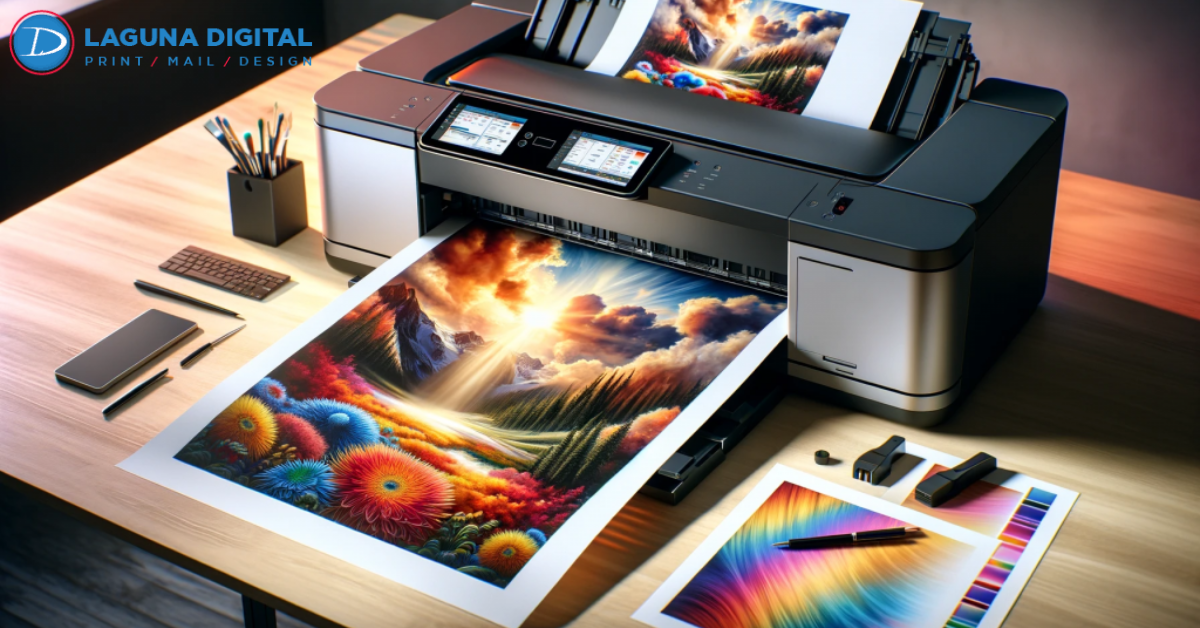
Photo Printing has become more accessible than ever when you understand how to balance quality with budget. Many people still believe that affordable Photo Printing automatically means faded colors or low-grade paper, but this is a common misconception. With proper planning, the right materials, and smart printing choices, high-quality prints can be achieved without unnecessary expenses. Modern printing techniques now allow excellent results at prices suitable for both personal and professional needs.
We photographers, businesses, and everyday users toward cost-effective Photo Printing solutions. By working with experienced providers like Laguna Digital, it is possible to achieve professional-looking prints while staying within budget. The right approach to paper selection, image preparation, and print methods can make a noticeable difference in both quality and cost.
Choose the Right Paper for Photo Printing
Understand Paper Types
Photo Printing quality depends heavily on paper selection, not just ink. Glossy paper enhances vibrant colors, while matte paper reduces glare and looks more elegant. Choosing the correct paper for your purpose prevents unnecessary reprints. Affordable Photo Printing starts with avoiding premium paper when it is not required. Matching paper type to usage helps save money without lowering visual impact.
Balance Cost and Durability
Thicker paper feels premium, but it is not always essential for Photo Printing projects. For albums or short-term displays, mid-weight paper works perfectly. High durability paper should be used only for long-lasting prints. This balance ensures cost-effective Photo Printing while keeping quality intact. Smart choices lead to professional-looking results at lower prices.
Optimize Image Resolution Before Printing
Avoid Over-Editing Images
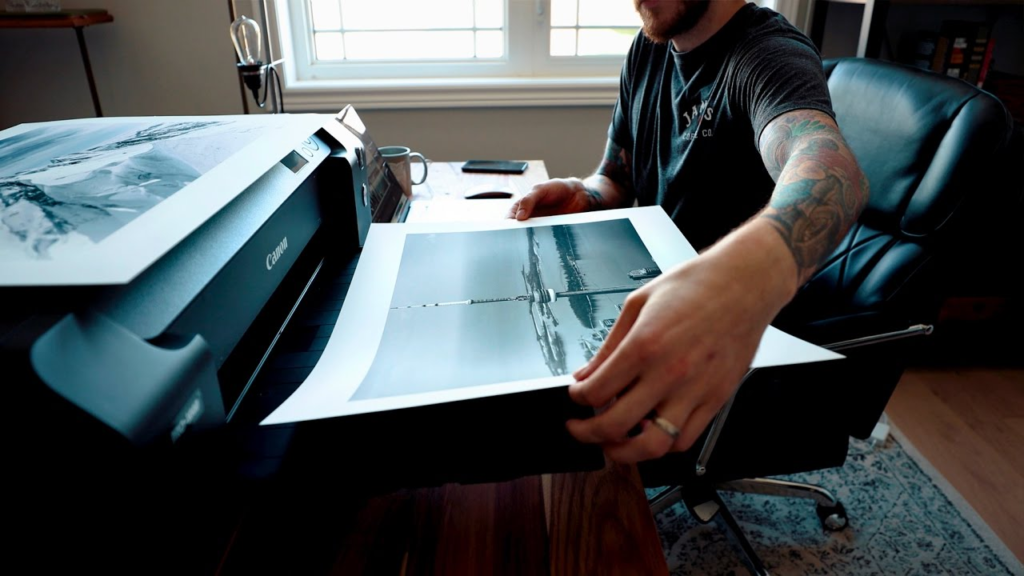
Many people over-edit images, which affects Photo Printing output negatively. Excess sharpening or saturation can make prints look unnatural. Clean, well-balanced edits translate better on paper. Proper image preparation reduces wasted prints and extra costs. Affordable Photo Printing begins with clean digital files.
Use Correct Resolution Settings
Using extremely high resolution does not always improve Photo Printing quality. Most professional printers perform best at optimized resolutions. Oversized files slow down processing and increase costs. Correct sizing ensures crisp prints without extra expense. This method keeps Photo Printing efficient and budget-friendly.
Print in Bulk to Reduce Costs
Bulk Printing Advantages
Bulk Photo Printing significantly reduces the cost per print. Printing multiple photos together saves setup and processing charges. It is ideal for events, portfolios, or business promotions. Planning ahead helps avoid rush fees. Bulk orders are one of the easiest ways to achieve affordable Photo Printing.
Consistent Quality Across Prints
Bulk Photo Printing also ensures uniform color and paper consistency. Printing at different times may lead to slight variations. One batch guarantees professional consistency. This approach saves money while maintaining high quality. It is a preferred method used by professionals.
Work With a Reliable Photo Printing Partner
Experience Matters
A professional Photo Printing company understands color accuracy and material selection. Their expertise prevents errors that cause reprints. Reliable providers use calibrated equipment for consistent output. This reliability saves both time and money. Choosing the right partner makes affordable Photo Printing possible.
Value-Added Services
Good printing companies offer guidance on formats and finishes. These services help you avoid unnecessary upgrades. Expert advice ensures your Photo Printing budget is spent wisely. Quality does not always mean expensive options. The right support improves results without increasing costs.
Select the Right Print Size and Finish
Avoid Oversized Prints
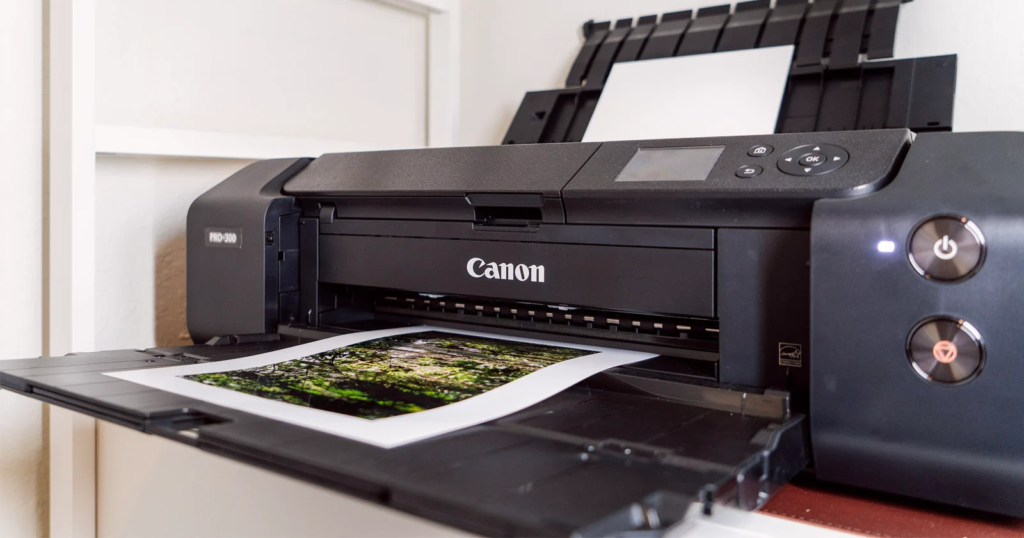
Large prints cost more and are not always needed for impact. Smaller sizes can still look stunning with proper Photo Printing techniques. Selecting appropriate dimensions reduces material usage. Smart sizing keeps Photo Printing affordable and effective. It also helps in better space management.
Choose Finishes Wisely
Special finishes increase Photo Printing costs quickly. Standard finishes often look just as professional. Use premium finishes only when required for branding or display. This approach helps control your printing budget. Affordable Photo Printing relies on practical choices.
FAQs
How can I reduce Photo Printing costs without losing quality?
Choose the right paper, correct resolution, and print in bulk for best results.
Does higher resolution always improve Photo Printing?
No, optimized resolution works better than extremely high settings.
Is bulk Photo Printing cheaper?
Yes, bulk printing lowers per-print costs and ensures consistency.
Which paper is best for affordable Photo Printing?
Mid-weight glossy or matte paper offers a good balance of quality and price.
Why choose a professional Photo Printing company?
They ensure color accuracy, reduce errors, and help save money long-term.
Conclusion
Affordable Photo Printing is all about making informed decisions rather than cutting corners. From choosing the right paper and resolution to working with experienced professionals, every step matters. Planning ahead and understanding your needs can significantly reduce costs. With expert providers like Laguna Digital, high-quality Photo Printing becomes both accessible and reliable. Follow these tips to enjoy beautiful prints without overspending.