
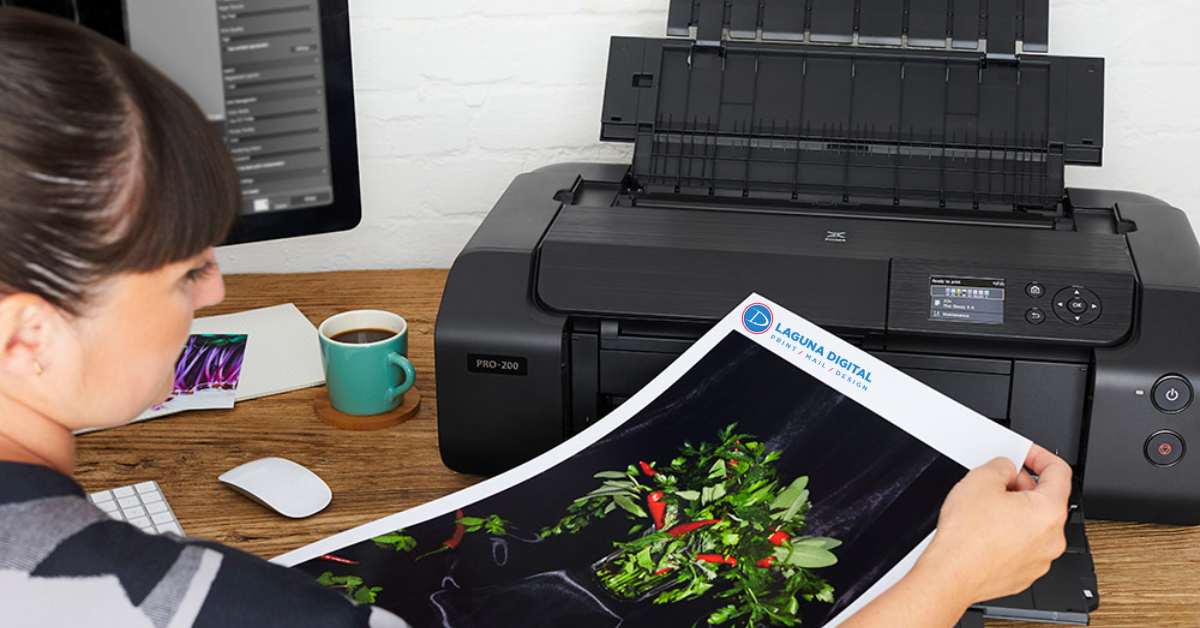
Capturing a perfect photograph is only the first step in preserving special memories. The way a photo is printed plays a major role in how those moments are experienced and remembered. Whether the image is part of a personal album, a professional portfolio, or a framed display, the printing process determines how sharp, vibrant, and long-lasting the final result will be. Many people underestimate the importance of choosing the right paper and printer when producing high-quality images.
Professional Photo Printing requires careful consideration of several factors including paper type, ink technology, and printing equipment. These elements work together to ensure that colors appear accurate, details remain crisp, and photographs maintain their visual impact for years. By understanding the materials and techniques involved, individuals and businesses can produce images that truly stand out.
Why Quality Matters in Photo Printing
The difference between an average print and a professional-quality image often comes down to materials and equipment. High-quality printing ensures that colors remain vibrant, shadows appear balanced, and fine details are preserved. Without proper materials, photographs can appear dull, faded, or inconsistent.
When images are printed using professional standards, they not only look better but also last longer. Photographs printed on low-quality paper may discolor or deteriorate over time. Investing in reliable printing techniques helps ensure that important memories and creative works remain visually impressive for many years.
Understanding Different Types of Photo Paper
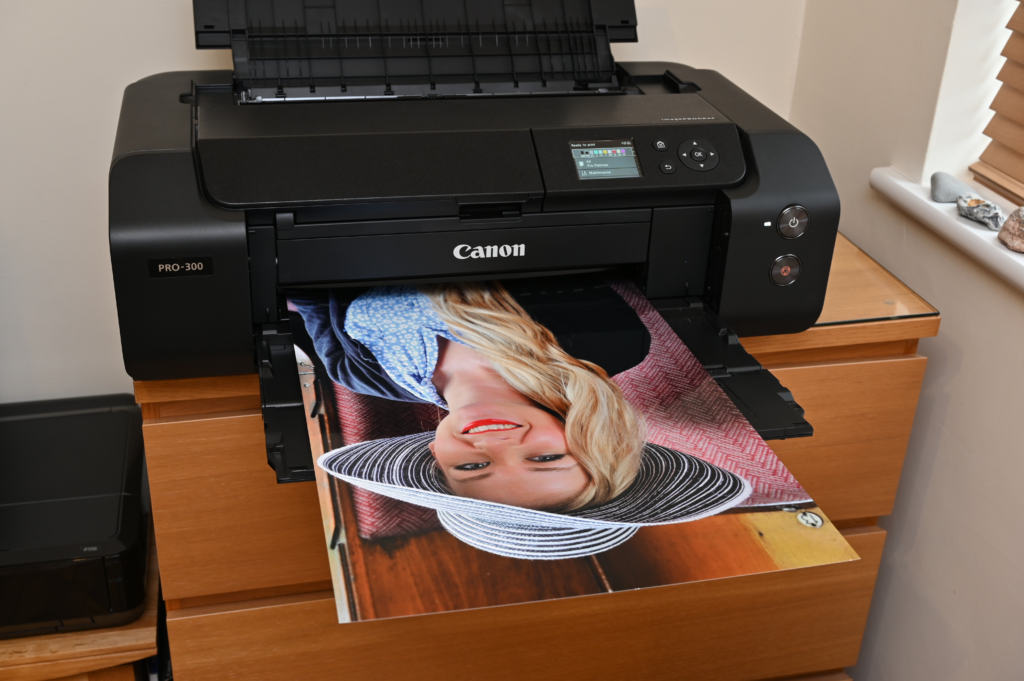
Photo paper is specifically designed to enhance the clarity and depth of printed images. Different types of paper create different visual effects, which makes selecting the right one an important part of the printing process. Some papers emphasize color vibrancy, while others focus on subtle tones and artistic finishes.
Common types of photo paper include:
- Glossy Paper: Enhances colors and sharpness for vibrant images
- Matte Paper: Provides a softer, glare-free finish
- Luster Paper: Combines the benefits of glossy and matte surfaces
- Fine Art Paper: Designed for gallery-quality prints
Each option offers unique characteristics that influence the final appearance of the photograph.
Glossy vs Matte Paper: Which One Is Better?
Glossy Photo Paper
Glossy paper features a bright, reflective finish that enhances color intensity and contrast. Photographers often choose this type of paper for portraits, travel photos, and promotional images because vibrant colors stand out clearly. Its reflective surface highlights fine details and gives images a sharper appearance.
Matte Photo Paper
Matte paper offers a smooth, non-reflective finish that reduces glare and fingerprints. It is often preferred for professional presentations or artistic prints where subtle tones are important. Matte surfaces also provide a more refined and elegant appearance in certain display environments.
Choosing the Right Printer for High-Quality Photos
Selecting the right printer is just as important as choosing the right paper. Printers designed specifically for image reproduction provide better color accuracy and sharper detail. Advanced models often include multiple ink cartridges that allow for more precise color blending.
When choosing a printer, factors such as resolution, ink type, and compatibility with photo paper should be considered carefully. High-resolution printers produce more detailed images, while specialized ink systems ensure that colors remain vibrant and true to the original photograph.
Ink Technology and Its Impact on Image Quality
Ink technology plays a crucial role in determining how photographs appear on paper. Different printers use various ink formulations that affect color depth, durability, and resistance to fading. Dye-based inks are known for producing vibrant colors, while pigment-based inks offer superior longevity.
Important aspects of ink technology include:
- Color Range: A wider color spectrum produces more realistic images
- Fade Resistance: High-quality inks maintain color for longer periods
- Detail Precision: Advanced ink systems create sharper image edges
These factors contribute significantly to the overall quality of printed photographs.
Paper Weight and Thickness Explained
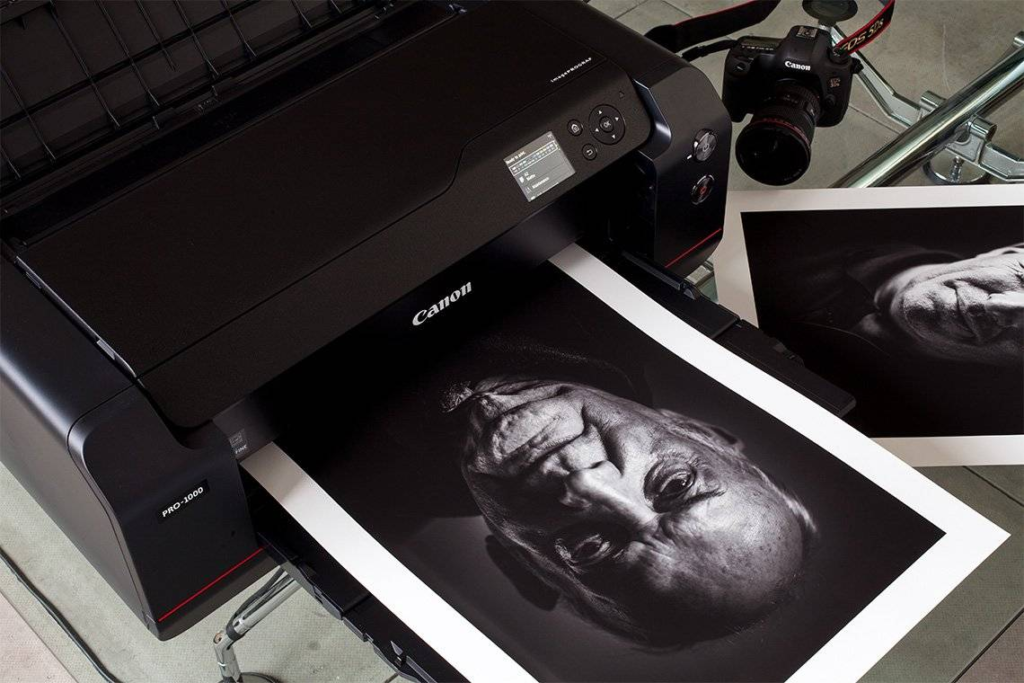
The thickness of photo paper affects both durability and appearance. Heavier papers generally provide a more professional feel and better support for high-resolution images. Thin papers may curl or wrinkle over time, especially when exposed to humidity or frequent handling.
High-quality printing often uses thicker paper because it enhances the perceived value of the final image. A solid, well-structured print feels more premium and is less likely to be damaged during framing or display. Choosing the correct paper weight ensures that photographs maintain both visual and physical quality.
Tips for Achieving Professional-Level Prints
Producing high-quality prints requires more than just good equipment. Attention to detail during the preparation and printing process can significantly improve the final result.
Helpful tips include:
- Calibrate monitors to ensure accurate color matching
- Use high-resolution image files for printing
- Select the correct printer settings for the chosen paper
- Store photo paper properly to avoid moisture damage
These simple practices help maintain consistent results and elevate the overall printing quality.
Maintaining Color Accuracy in Printed Photos
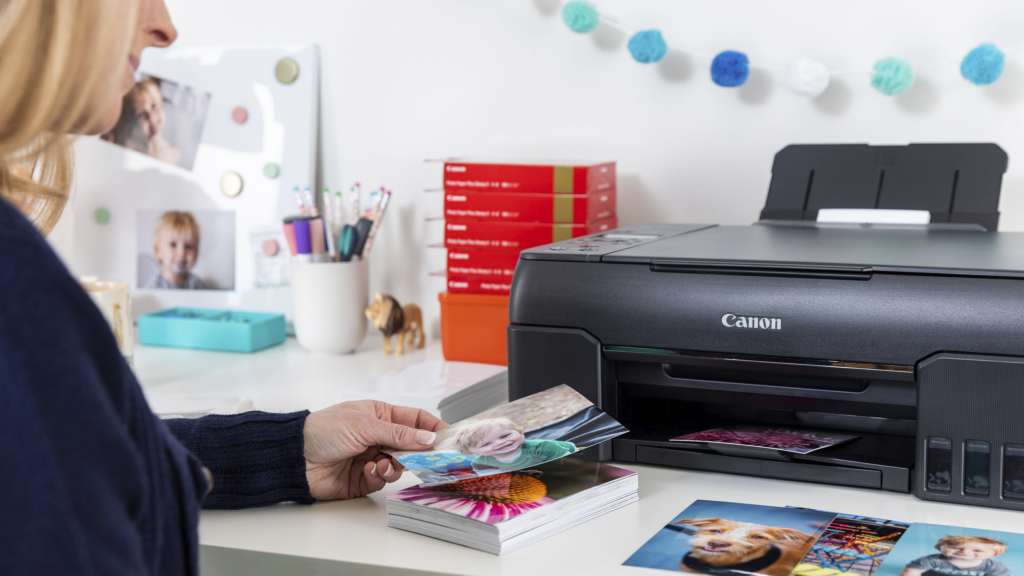
Color accuracy is one of the most important factors in professional Photo Printing. Even small variations in color can change the appearance of an image significantly. Calibration tools and color management systems are often used to ensure that printed images match the original digital file as closely as possible.
Proper lighting conditions also play a role in evaluating printed photos. Viewing images under neutral lighting helps identify color inconsistencies and ensures that prints appear balanced. Consistent color management practices allow photographers and designers to maintain reliable results across multiple prints.
Common Mistakes to Avoid When Printing Photos
Printing photos without careful preparation can lead to disappointing results. Many people overlook small technical details that ultimately affect the quality of the final image.
Some common mistakes include:
- Using low-resolution image files
- Printing on standard paper instead of photo paper
- Ignoring color calibration settings
- Choosing incorrect printer configurations
Avoiding these issues ensures that photographs maintain their intended visual quality and clarity.
Future Trends in Photo Printing Technology
Advancements in printing technology continue to improve the quality and versatility of photographic prints. Modern printers now offer enhanced color reproduction, improved ink longevity, and faster printing speeds. These innovations make it easier than ever to produce professional-quality photographs.
As technology evolves, Photo Printing solutions are expected to become even more efficient and precise. New materials and advanced printing techniques will likely provide greater durability and visual impact. Businesses and photographers who adopt these technologies can stay ahead in delivering exceptional printed images.
FAQs
What type of paper is best for photo printing?
The best photo paper depends on the style and purpose of the image. Glossy paper enhances color vibrancy and sharpness, making photos appear more dynamic. Matte paper offers a softer finish and reduces glare in bright environments. Choosing the right paper helps achieve the desired visual effect.
Do I need a special printer for printing photos?
Photo-specific printers produce higher-resolution images and deliver better color accuracy. They use advanced ink systems with multiple cartridges to create smoother color transitions. These printers also support specialized photo papers. The right printer greatly improves the final print quality.
Why does paper thickness matter in photo printing?
Paper thickness affects the durability and professional appearance of printed photos. Thicker papers feel more premium and are less likely to bend or wrinkle. They also hold ink better, resulting in clearer and more detailed images. This makes them ideal for framing and long-term display.
How can I maintain color accuracy when printing photos?
Maintaining color accuracy requires proper monitor calibration and correct printer settings. This ensures the printed photo matches the digital image as closely as possible. Using high-quality ink and paper also improves color consistency. Good lighting when reviewing prints helps identify any color differences.
Can printed photos last for many years?
Yes, high-quality printed photos can last for decades when the right materials are used. Archival inks and durable photo papers help prevent fading over time. Proper storage away from moisture and direct sunlight also protects the prints. With these precautions, photos remain vibrant for a long time.
Conclusion
High-quality photo prints require careful selection of paper, printers, and ink technology. Each element shapes how an image looks when it moves from a digital screen to a physical format. By understanding the differences between paper types, printer capabilities, and printing techniques, individuals and businesses can achieve impressive results that truly showcase their photographs.
For those seeking reliable, professional-quality prints, working with experienced providers like Laguna Digital ensures exceptional results. Their expertise in premium Photo Printing services helps deliver vibrant colors, sharp details, and durable prints that preserve memories and creative work with outstanding clarity.