
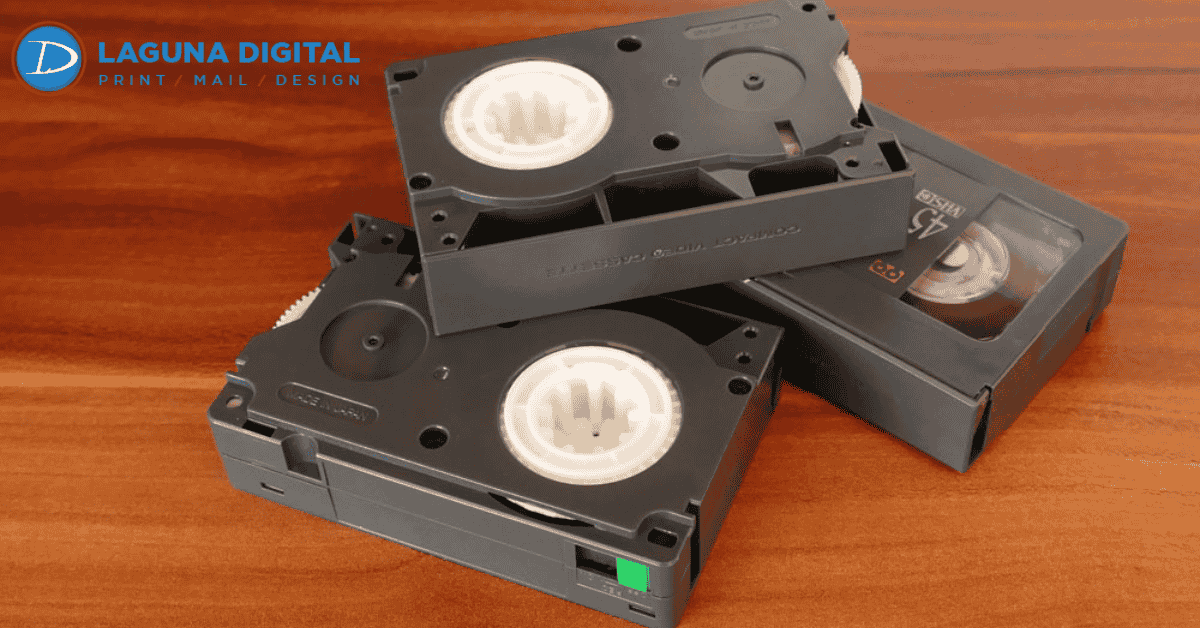
There is a very specific feeling that comes with finding a dusty box in the attic or the back of a closet. You open it up, and the smell of old cardboard and plastic hits you. Inside, there are rows of VHS tapes, smaller camcorder cassettes, or perhaps those yellow Kodak reels of 8mm film. These aren’t just obsolete formats; they are time capsules containing first steps, wedding vows, and voices of loved ones who are no longer with us. However, as someone who has worked in the printing and archiving industry for years, I have to share a hard truth: these physical formats are deteriorating every single day.
Magnetic tape, which makes up VHS and audio cassettes, wasn’t designed to last forever. Over time, the magnetic particles detach from the backing a process known as sticky-shed syndrome and film reels can become brittle or succumb to vinegar syndrome. The urgency to preserve these moments is real. If you are looking to preserve these memories before they are lost to decay, knowing the right way to Transfer Old Videos and Films is the most important step you can take today.
In this guide, I want to walk you through the reality of digitizing your archive. We will look at the pros and cons of doing it yourself versus hiring a professional, how to handle fragile media, and what to do with your files once they are digital. This comes from years of seeing clients bring in damaged tapes and helping them rescue their family history.
Understanding the Risks: Why Media Degrades
Many people assume that if a VHS tape sits on a shelf in a temperature-controlled room, it will remain pristine forever. Unfortunately, that is rarely the case. Magnetic media is chemical based. Over two or three decades, the binder that holds the magnetic information to the plastic ribbon begins to break down. When you play a degraded tape, you might notice snow, tracking errors, or distinct color shifting. In the worst-case scenarios, playing a brittle tape in a standard VCR can actually snap the tape or strip the magnetic layer off entirely, destroying the footage instantly.
Film reels (8mm, Super 8, and 16mm) face a different set of enemies. While they don’t have magnetic particles to shed, they are susceptible to shrinking, warping, and mold growth. If you have ever opened a film canister and smelled a strong vinegar odor, that is a chemical reaction indicating the film base is breaking down. Once this starts, it accelerates quickly. This is why we always tell our clients that digitizing isn’t just about convenience; it is a rescue mission for your legacy.
DIY vs. Professional Transfer: An Honest Comparison
When you decide it’s time to digitize, you generally have two paths: buying the equipment to do it yourself or handing it off to a service. As someone who loves technology, I understand the appeal of the DIY route. It feels like it should be cheaper, and you retain control over your physical media. However, having seen the results of many home brew attempts, there are significant factors you need to weigh before buying a USB capture device from Amazon.
The Reality of DIY Digitization
If you choose to do this yourself, you need a functioning playback device (like a VCR or camcorder), a capture card, and a computer with decent processing power. The biggest hurdle here is usually the playback device. Finding a high-quality, working VCR today is difficult; many used units have dirty heads that will ruin your picture quality or eat your tapes. Furthermore, cheap USB capture devices often suffer from audio desynchronization, meaning by the end of an hour-long video, the voices won’t match the lip movements.
You also have to consider the time investment. Video transfer is a real-time process. If you have 50 hours of footage, it will take you 50 hours to capture it, plus the time needed for editing, file naming, and rendering. We often see clients start a project with enthusiasm, digitize three tapes, and then put the rest back in the closet because the process is so tedious.
The Professional Advantage
When you utilize a professional service, you aren’t just paying for the labor; you are paying for the equipment chain. High-end transfer facilities use Time Base Correctors (TBCs) which stabilize the wobbly video signal from old tapes before it hits the computer. This results in a much sharper, steadier image than a standard home setup can produce. Additionally, professionals know how to clean moldy tapes or splice broken film leaders safely.
Handling Mixed Media Archives
Rarely do we see a client who only has video tapes. Usually, the family archive is a chaotic mix of VHS tapes, camcorder cassettes, and shoeboxes filled with loose photographs and slides. When you are undertaking a digitization project, it makes sense to handle everything at once to create a cohesive digital library.
For the static images in your collection, high-resolution scanning is key. Much like video, photos fade and turn yellow over time. Professional photo printing and scanning services can not only digitize these images but often perform color correction to restore the vibrancy of the original shot. It is incredibly satisfying to have a digital folder where a video of a birthday party sits right next to the scanned photos taken on that same day.
The Formats: What Are We Actually Digitizing?
It helps to know exactly what you are holding in your hands. The most common format we see is the standard VHS, which was the king of home media for twenty years. However, the smaller formats often contain the most precious memories because they were used in camcorders for raw home movies.
VHS-C, Hi8, and MiniDV
VHS-C tapes look like miniature VHS cassettes and were often played in a VCR using a battery-powered adapter. Hi8 and Video8 tapes are slightly smaller (about the size of an audio cassette) and offer higher resolution. MiniDV came later and is a digital format recorded onto tape. MiniDV actually offers excellent quality, but because the tape is so thin, it is incredibly fragile and prone to “dropouts” where the image blockily freezes.
8mm and Super 8 Film
Digitizing film reels is a completely different beast than video tape. You cannot simply project the film onto a wall and record it with a digital camera; the flickering frame rates will clash, creating a strobing effect. Professional transfer involves frame-by-frame scanning. The machine takes a high-resolution photo of every single frame of film and then stitches them together into a smooth video file. This method captures the grain and detail of the film in a way that is truly beautiful.
Organizing and Preserving Your Digital Files
Once the transfer is done, you will have a hard drive or cloud link full of video files. This is where many people drop the ball. A file named TAPE_001.mp4 isn’t helpful to your grandchildren five years from now. Take the time to watch the footage and rename the files with dates and descriptions, such as Christmas_1998_GrandmasHouse.
Backup Strategies
We always recommend the 3-2-1 rule for data storage: keep three copies of your data, on two different types of media, with one copy offsite (like cloud storage). Hard drives can fail just like VCRs. Having a cloud backup ensures that even if your house floods or your computer crashes, your memories are safe.
Creative Ways to Share
Now that your memories are digital, you don’t have to keep them hidden on a hard drive. We have seen business owners and families get very creative with their archives. Some choose to create custom DVD or USB cases with designed covers. Using high-quality digital printing, you can create beautiful packaging for your digital archives, making them excellent gifts for anniversaries or family reunions.
Furthermore, if your videos reveal a compelling family narrative, why stop at video? Transcribing the stories told in your films and combining them with video stills creates a wonderful physical companion to your digital files. You could produce a family memoir or a history booklet using professional book printing services to ensure the story is preserved in text as well as image.
Common Mistakes to Avoid
In our line of work, we see a few recurring mistakes that lead to heartbreak. The biggest one is discarding the originals too soon. Even after you digitize, keep your tapes and films as a master backup in a cool, dry place for as long as you reasonably can. Technology improves, and AI upscaling might make it possible to get even better quality out of those tapes in ten years.
Another mistake is ignoring audio levels. When doing DIY transfers, it’s easy to record the audio too “hot,” resulting in distorted, crunchy sound that cannot be fixed. Conversely, recording too quietly brings up the background hiss. Monitoring your audio levels during the transfer is just as critical as watching the video tracking.
Conclusion
Transferring your old videos and films to digital format is one of the most rewarding projects you can undertake. It bridges the gap between generations, ensuring that the laughter, stories, and faces of the past are accessible to the future. Whether you choose to tackle this as a passionate DIY project or decide to trust the experts to handle your fragile media, the most important thing is that you take action before the physical media degrades beyond repair.
At Laguna Digital, we understand that we aren’t just processing plastic and tape; we are handling your most treasured moments. By combining professional technology with a human touch, you can ensure your history remains vivid and watchable for decades to come. Don’t let your memories gather dust bring them into the light.