

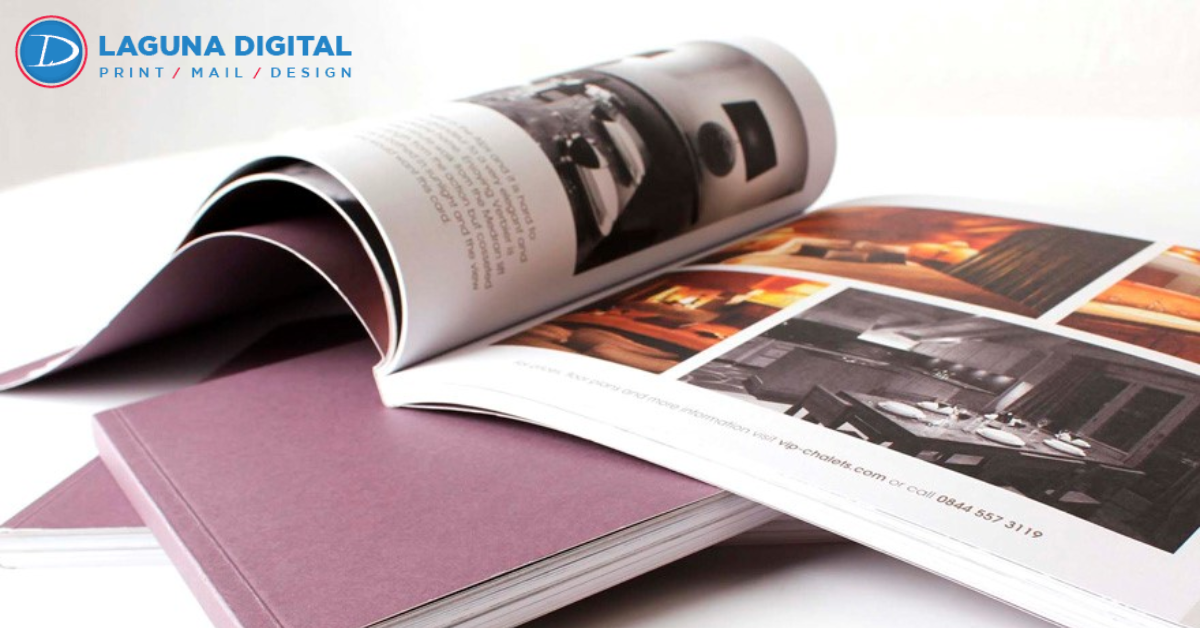
Printing a book is a detailed and highly strategic process that goes far beyond simply transferring text onto paper, as it involves multiple technical, creative, and material decisions that directly influence how the final product is perceived by readers in a competitive market. Many authors, businesses, and publishers underestimate the complexity involved, often rushing through important steps such as formatting, design alignment, and material selection, which can ultimately lead to costly mistakes, inconsistent output quality, and a final product that fails to meet professional standards or audience expectations.
A well-printed book serves as a powerful representation of your brand, message, and credibility, while a poorly printed one can significantly reduce the value of even the most compelling content, making it essential to approach the process with careful planning and attention to detail. By understanding and avoiding common printing mistakes, you can ensure your book not only looks visually appealing but also delivers a smooth and engaging reading experience that resonates with your intended audience and strengthens your overall impact.
Poor File Preparation
Incorrect Formatting

One of the most frequent mistakes in the printing process is submitting files that lack proper formatting, as inconsistencies in font styles, spacing, alignment, and paragraph structure can create a disorganized and unprofessional appearance in the final printed book. When formatting is not handled correctly, it disrupts the flow of reading and makes the content harder to follow, ultimately affecting the reader’s experience and perception of quality, which is why maintaining uniform formatting standards throughout the document is essential for achieving a polished and visually cohesive result.
Low-Resolution Images
Another critical issue that many overlook is the use of low-resolution images, which may appear acceptable on digital screens but lose clarity and sharpness when printed, resulting in blurry or pixelated visuals that diminish the overall appeal of the book. Ensuring that all images meet the recommended resolution standards, typically at least 300 DPI, is crucial for maintaining high-quality output and preserving the professional integrity of the printed material.
Choosing the Wrong Paper Type
Paper Weight Matters
Selecting the appropriate paper weight is an essential decision that directly impacts the durability, feel, and perceived value of your book, as lighter paper may reduce production costs but often gives a fragile and less premium impression, while heavier paper enhances the tactile experience and conveys a sense of quality and professionalism. Striking the right balance between cost and quality requires careful consideration of your book’s purpose, audience expectations, and overall design goals.
Finish and Texture Choices
The choice between glossy, matte, or textured finishes also plays a significant role in shaping the reader’s experience, as each option affects not only the visual presentation but also readability and comfort during use. For instance, glossy finishes may enhance image vibrancy but can create glare under lighting, whereas matte finishes provide a smoother and more readable surface, making it important to align your selection with the content and intended use of the book.
Ignoring Proper Margins and Bleed
What is Bleed?
Bleed is a crucial printing concept that refers to extending design elements beyond the edge of the page to ensure a clean and seamless finish after trimming, yet it is often overlooked by those unfamiliar with printing requirements, leading to unintended white borders and uneven edges in the final product. Properly setting bleed ensures that your design maintains its intended appearance without any visual disruptions.
Margin Mistakes to Avoid
Margins are equally important, as they provide the necessary space for readability and binding, and failing to set them correctly can result in text being cut off or lost within the binding area, making the content difficult to read. Maintaining appropriate margin sizes ensures that your book remains functional, visually balanced, and comfortable for readers to engage with.
Overlooking Proofreading Errors
Spelling and Grammar Issues
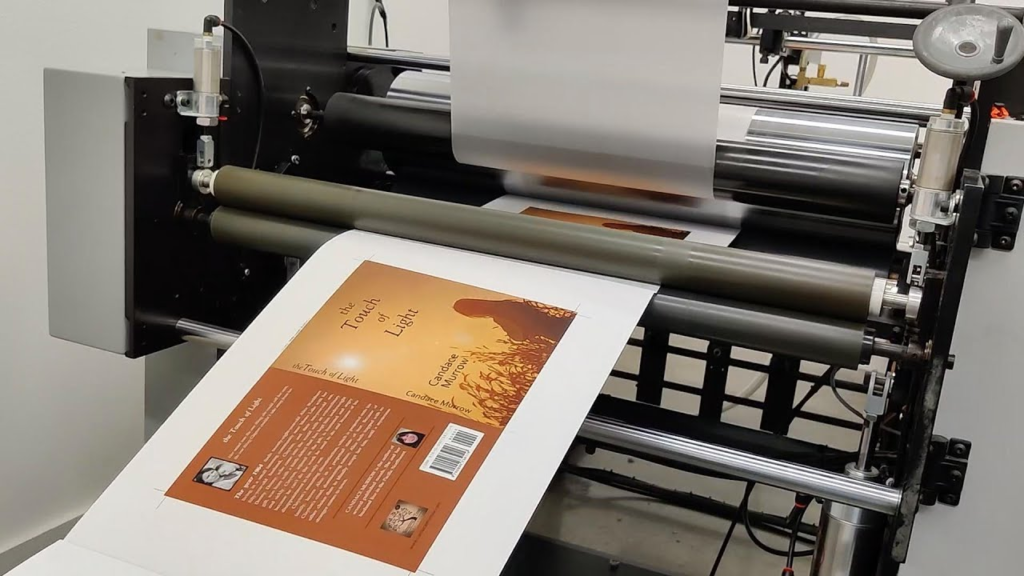
Neglecting thorough proofreading is a common yet costly mistake, as even minor spelling or grammatical errors can significantly undermine the credibility and professionalism of your book, leaving a negative impression on readers. Carefully reviewing your content multiple times or seeking professional editing assistance helps ensure that your book is polished and error-free before it goes to print.
Layout Inconsistencies
In addition to textual errors, layout inconsistencies such as uneven spacing, mismatched headings, and irregular font sizes can disrupt the visual flow of your book, making it appear unorganized and less appealing. Maintaining a consistent layout throughout the document enhances readability and contributes to a cohesive and professional presentation.
Wrong Binding Selection
Matching Binding with Content
Choosing the appropriate binding style is essential for ensuring that your book meets both functional and aesthetic requirements, as different types of content demand different binding solutions, such as hardcover options for premium publications or spiral binding for practical use like manuals and workbooks. Selecting the wrong binding can limit usability and reduce the overall effectiveness of your book.
Durability Considerations
Durability is another key factor influenced by binding, as poor-quality binding can lead to pages loosening or covers detaching over time, which negatively impacts the reader’s experience and the longevity of the book. Investing in a reliable binding method ensures that your book remains intact and maintains its quality over extended use.
Inconsistent Color Management
RGB vs CMYK
A common technical mistake in printing occurs when designers use RGB color mode instead of CMYK. RGB works for digital displays, but printers require CMYK to produce accurate, vibrant colors. Using the correct color mode ensures your book achieves the intended visual impact.
Color Proofing Importance
Skipping the color proofing stage can lead to unexpected discrepancies between the intended design and the printed result, making it crucial to review a physical or digital proof before final production to ensure that colors appear accurate and consistent with your expectations.
Not Considering Target Audience
Failing to consider the preferences and expectations of your target audience can result in a book that does not resonate effectively, as factors such as font style, layout, paper type, and overall design should align with the needs and interests of the intended readers. For example, a children’s book requires vibrant visuals and durable materials, while a professional or academic book demands clarity and simplicity, making audience awareness a critical aspect of the printing process that directly influences success.
Skipping Professional Guidance
- Attempting to manage the entire printing process without expert support often leads to avoidable errors and inefficiencies that compromise quality.
- Professional guidance provides valuable insights into technical requirements, material selection, and production processes that ensure optimal results.
- Collaborating with experienced professionals helps streamline the process and enhances the overall outcome of your book.
Budgeting Mistakes

- Miscalculating costs can force compromises in quality or lead to unexpected financial strain during production.
- Overspending on unnecessary features may reduce profitability without adding significant value to the final product.
- Careful budgeting allows you to maintain a balance between cost efficiency and high-quality output.
Final Quality Checks
- Conducting a thorough review before mass printing helps identify and correct errors that may have been overlooked earlier.
- Checking alignment, color accuracy, margins, and binding ensures that every detail meets professional standards.
- Final quality checks provide confidence that your book is ready for distribution without issues.
FAQs
Why is file formatting important in book printing?
Proper formatting ensures your content appears clean, structured, and professional in the final printed version. It helps maintain consistency in fonts, spacing, and alignment throughout the book. Without correct formatting, even high-quality content can look unorganized and difficult to read.
What is the recommended image resolution for printing?
For high-quality printing, images should be at least 300 DPI to ensure sharpness and clarity. Low-resolution images often appear blurry or pixelated once printed on paper. Using the correct resolution helps maintain a polished and visually appealing final product.
How do I select the right paper type?
Choosing the right paper depends on your book’s purpose, audience, and overall design goals. Heavier paper adds durability and a premium feel, while lighter paper is more cost-effective. The right choice enhances both readability and the reader’s overall experience.
What does bleed mean in printing?
Bleed refers to extending design elements beyond the page edges to ensure a clean cut after trimming. This prevents unwanted white borders from appearing around your pages. Proper bleed settings are essential for achieving a professional and seamless finish.
Is a proof copy necessary before printing?
Yes, a proof copy allows you to review the final look of your book before mass production begins. It helps identify errors in layout, color, or content that may have been missed earlier. This step saves time, cost, and ensures a high-quality final output.
Conclusion
Avoiding common mistakes in the printing process is essential for producing a book that reflects professionalism, quality, and attention to detail, as every stage from file preparation to final checks contributes to the overall success of the project. By carefully managing formatting, materials, design consistency, and technical requirements, you can ensure that your book stands out and delivers a positive experience to readers while maintaining a strong and credible presence in the market.
For those seeking reliable and high-quality results, Laguna Digital offers exceptional expertise in Book Printing, ensuring that every project is handled with precision, advanced technology, and a commitment to excellence. Choosing the right partner not only simplifies the process but also guarantees a final product that meets the highest standards and leaves a lasting impression on your audience.