

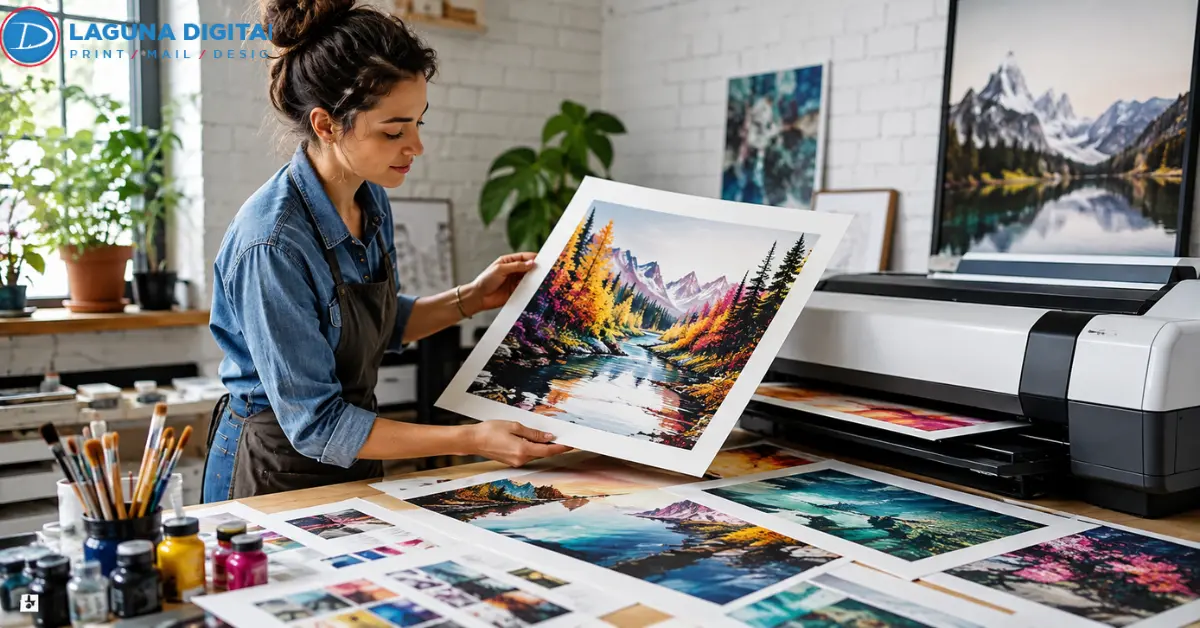
A good reproduction should not feel like a flatter, duller version of the original. Deep blue paint should still separate from black. Pencil grain should not disappear. Warm highlights should not turn muddy. That is why making giccle prints is really about protecting the character of the artwork from capture through final output.
For an artist, the bigger question is whether the same approved result can be produced again months later. That takes more than a large image file. Capture quality, usable resolution, color handling, paper choice, proofing, and edition records all matter.
Start With a File That Can Hold Up in Print
Match the Capture Method to the Original
Flat drawings and watercolor pieces are often straightforward to scan. Thick paint, varnished surfaces, framed work, and oversized canvases need more care because texture and reflected light can change what the camera or scanner records.
For difficult or oversized originals, large-format fine art scanning can give artists a cleaner starting point. These problems become much easier to notice once giccle prints are enlarged.
Work Out the Real Resolution Before Choosing Sizes
Do not rely on the DPI number in the file properties. Check the pixel dimensions against the size you want to sell.
A 6,000-pixel-wide image gives 300 pixels per inch at 20 inches wide. At 30 inches, the same file gives 200 ppi. A 16 x 20 inch print at 300 ppi needs roughly 4,800 x 6,000 pixels. This is one reason giclee prints for artists need size-specific file checks.
If capture is still the uncertain part, the guide to turning physical artwork into digital files explains what should happen before print preparation begins.
Keep One Master and Make Print Files From It
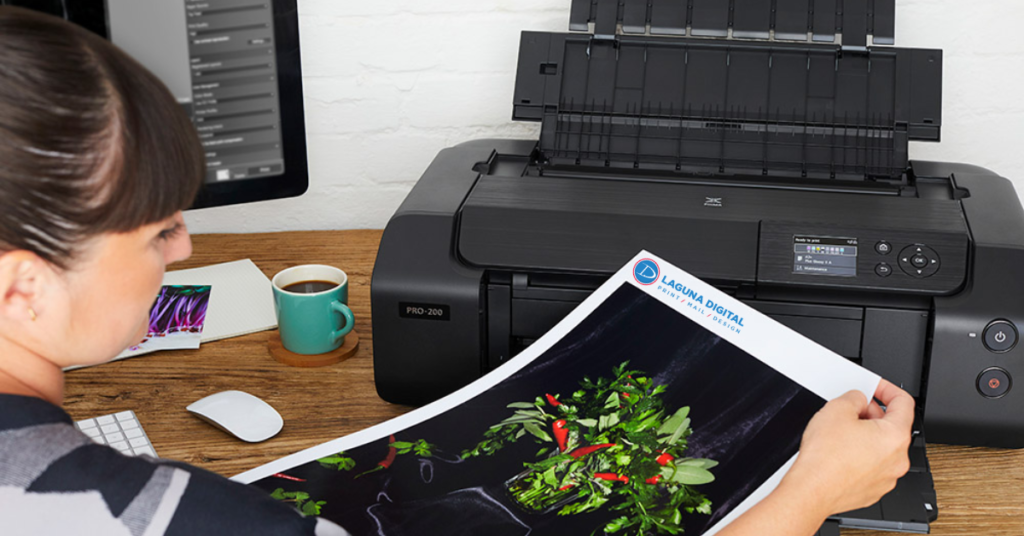
Once the capture is clean, keep one high-quality master. TIFF is a sensible lossless choice for raster artwork, while PSD is useful when adjustment layers need to stay editable.
Separate Each Size, Crop, and Border
It is a simple habit, but it makes giclee printing easier to repeat. Professional giclee printing services should also state their preferred file format, color space, dimensions, and profile before you export the final file.
A clear file-naming system helps here. The artist’s name, artwork title, print size, and approved version date are usually more useful than names such as “final,” “final2,” and “final-new.”
That small bit of organization becomes valuable after an edition has been selling for a year and another batch is needed.
Get the Color Right on Paper, Not Just on Screen
Use Color Management as a Control, Not a Cure
A calibrated, profiled display gives you a better starting point, but paper will never behave exactly like a glowing screen.
This difference is important in fine art printing. ICC profiles help color-managed systems interpret image data between devices, so keep the correct profile embedded unless the printer requests something else.
The goal is not to make every color louder. A reproduction can have plenty of saturation and still be inaccurate. What matters is whether important relationships in the original survive, particularly neutral areas, deep tones, skin colors, subtle washes, and closely related hues.
Let the Physical Proof Settle the Argument
Compare the proof with the original under stable, neutral light. Pay attention to shadow separation, pale highlights, neutral grays, fine graphite lines, gradients, and important colors.
Be specific about corrections. “Bring back separation in the lower-left dark blue” gives useful direction. “Make it pop” does not.
Once approved, that proof becomes the reference for future giccle prints. Changing the file, paper, crop, or profile after approval means the standard has changed too.
Ansel Adams described the finished print as the “equivalent of the conductor’s performance.” That distinction matters when judging a giclee art print.
Choose Paper by Looking at the Artwork
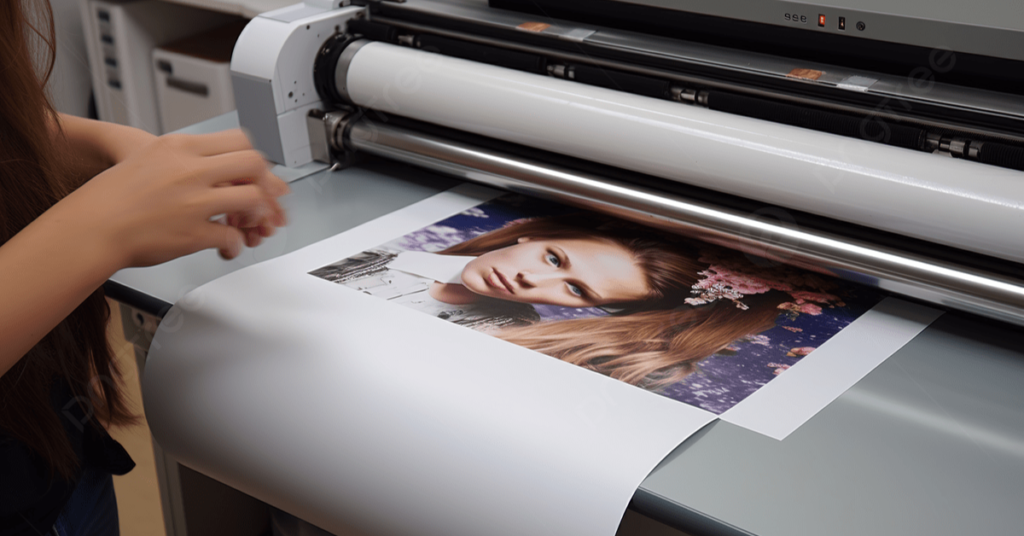
There is no single best paper for every artist.
Texture Can Help One Image and Hurt Another
Smooth cotton rag often suits graphite, detailed illustration, and work with fine edges. Textured matte paper can complement watercolor and loose brushwork. Baryta or satin surfaces can work well for photography and images that depend on deeper blacks.
That is why artists comparing fine art printing services should request samples or a small proof before committing to an edition.
For fine art prints for artists, the right surface should support the image rather than become the first thing a buyer notices.
Paper choice should also be tested at the actual size being sold when possible. A texture that feels subtle on a small sample may become much more obvious across a large area of pale color.
Be Careful With the Word “Archival”
Archival prints are not defined by one impressive paper name or a promised number of years.
Ask What Ink and Paper Are Actually Being Used
Archival printing depends on the materials and the way the print is displayed or stored. Pigment ink, paper chemistry, framing, heat, humidity, pollutants, and light exposure all matter.
So when a printer uses the word archival, ask which paper and ink system is being used and whether permanence information is available for that combination.
Even well-made giccle prints can age poorly if they spend years in strong sunlight or unsuitable framing. An archival claim should therefore be part of the buying decision, not the only reason for choosing a printer.
Set the Edition Rules Before the First Full Run
Fix the Size, Border, and Signing Area
Decide the image size, paper size, border width, signature space, and whether the edition is open or limited before printing a stack.
If you plan to number the work, this guide to creating limited-edition prints from scanned artwork covers the move from digital capture to a collectible print run.
A reproduction provider becomes particularly useful when the same image needs to be produced over time. Keep one approved print together with the master filename, output size, paper name, crop, and approval date. That record gives future giccle prints something concrete to match.
A complete art reproduction service can keep capture, correction, proofing, and production in one workflow instead of splitting those steps among different vendors.
Inspect the Finished Print Before You Sign It
Look Where Defects Usually Show First
Check gradients for banding, dark areas for blocked shadows, neutral areas for color casts, and edges for trimming problems. Look across the surface for fingerprints, scuffs, dents, or damaged corners.
Larger giccle prints deserve their own inspection because enlargement can reveal issues that were harmless in a smaller version.
Custom giclee printing is most valuable when an approved result can be repeated. For primarily photographic work, professional photo printing may be the more direct route.
Do the inspection before adding a signature or edition number. A flawed print is easier to reject before it becomes part of the numbered run.
Know When Professional Printing Is Worth Paying For
Professional production becomes more useful when the original is difficult to capture, color is critical, larger sizes are planned, or collectors expect consistency. Good fine art printing services should also explain their proofing and paper choices clearly.
That is also where custom giclee printing and managed production earn their place. Compare giclee printing services by proofing standards, paper options, file guidance, and repeatability rather than price alone.
For artists producing giclee prints for artists’ markets, galleries, or online shops, consistent output protects both the edition and the artist’s reputation.
Professional help is less about handing away creative control. A good workflow gives the artist specific approval points for capture, color, paper, crop, and final proof before the larger run begins.
Frequently Asked Questions
What Resolution Is Best for Giccle Prints?
Around 300 ppi at final size is a useful target for close-viewed artwork when the source supports it. Larger pieces viewed from farther away may work at lower effective resolution. Calculate from actual pixel dimensions, not just the DPI label.
Should a Giclee File Be RGB or CMYK?
Follow the printer’s specification. Many fine art printing workflows accept RGB files with an embedded ICC profile and handle final conversion for the specific printer, ink, and paper.
Which Paper Is Best for a Giclee Art Print?
There is no universal winner. Smooth cotton rag favors detail, textured matte paper can complement watercolor, and baryta or satin surfaces can support deeper blacks. Test the artwork on paper before choosing by description alone.
Are Archival Prints Guaranteed to Last 100 Years?
No single lifespan applies to every print. Archival printing performance changes with ink, paper, light, humidity, temperature, framing, pollutants, and handling.
When Should I Use Fine Art Reproduction Services?
Use professional fine art reproduction services when accurate capture, difficult originals, critical color, larger sizes, or repeat-edition consistency matter. Good fine art reproduction should make future orders easier to match, not restart the process every time.
Conclusion
Professional giccle prints come from getting a few decisions right in the right order. Capture the original cleanly, confirm enough real resolution, keep a reliable master, judge color on a physical proof, choose paper because it suits the artwork, and record the approved setup.
That is what turns fine art reproduction from a one-off print job into a dependable part of an artist’s business. It also gives fine art prints for artists a consistent standard that buyers can trust.
If you want scanning, proofing, and final output handled as one connected process, Laguna Digital can help prepare the artwork for a repeatable print run. Start with the original dimensions, medium, intended print size, and preferred finish so the important production decisions are made before the first proof