

High-resolution scanning works best when the format matches its purpose. TIFF is usually preferred for photographs and fine art masters because it can retain detailed image data without destructive compression. JPEG is practical for sharing, PNG suits graphics and sharp line work, and searchable PDF is ideal for multipage documents. PDF/A is commonly used when long-term document preservation matters.
Choose the format before scanning begins. Saving a detailed original as a heavily compressed file can limit restoration, enlargement, and professional printing. Converting that file into TIFF later will not recover information that has already been discarded.
High-Resolution Scan Formats at a Glance
| Scanning goal | Recommended master | Delivery format | Main consideration |
| Archival photographs | TIFF | JPEG | TIFF needs more storage |
| Fine art reproduction | TIFF | JPEG or print-ready PDF | Color management is essential |
| Multipage records | Searchable PDF or PDF/A | Compression affects clarity | |
| Logos and line graphics | PNG or TIFF | PNG | Photo-based PNG files can be large |
| Everyday photo sharing | TIFF when preservation matters | JPEG | JPEG uses lossy compression |
| Specialized archives | TIFF or JPEG 2000 | PDF or JPEG | Confirm compatibility first |
Start With the Final Use
A reliable digital scanning workflow begins with one question: what must the file accomplish?
A photograph, legal record, and watercolor each have different preservation, access, and production needs.
Separate the master from access copies. Keep the best capture unchanged and create smaller files for email, websites, printing, or document review.
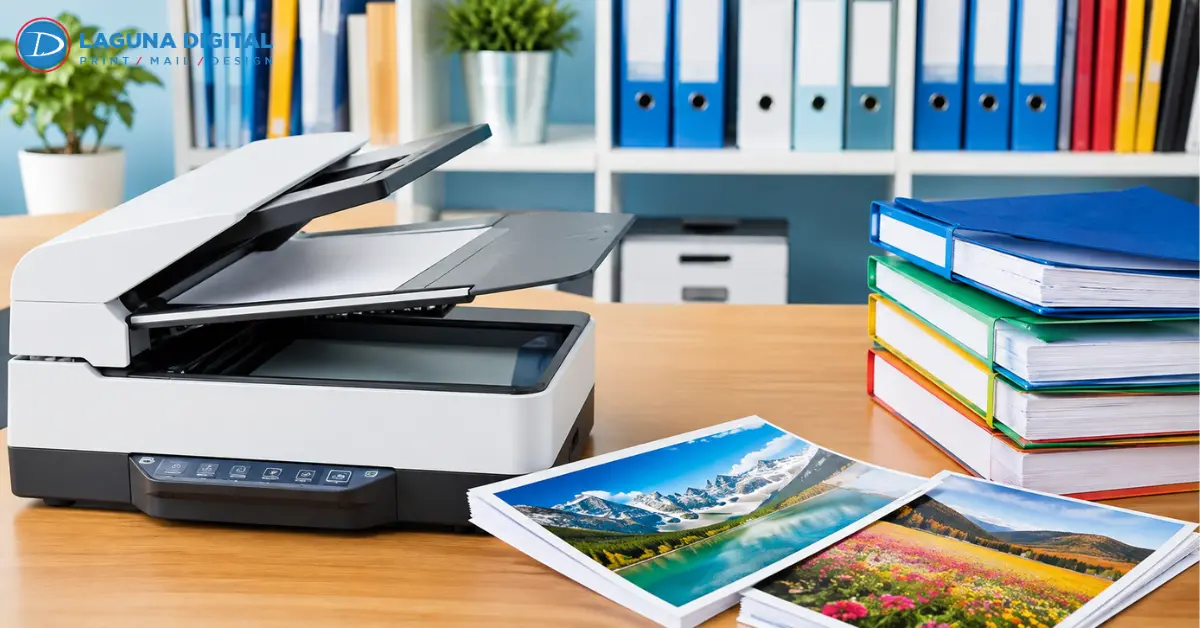
Laguna Digital provides professional art and photo scanning services for projects requiring detailed capture, organized file delivery, or searchable document output.
TIFF for Detailed Masters
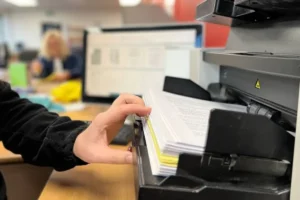
TIFF, also written as TIF, is widely used for archival photo scanning, fine art scanning, restoration, and professional image editing. It can support lossless storage, metadata, embedded color profiles, and higher bit depths when the scanning system permits them.
TIFF protects captured information, but it cannot repair a weak scan. Poor focus, low resolution, clipped highlights, or inaccurate color remain problems after the file is saved.
Large file size is its main drawback. Lossless LZW or ZIP compression may reduce storage needs without removing image data, although the receiving software should support the selected option.
Use TIFF when the original is valuable, the file will be edited repeatedly, or future enlargement and reproduction are likely.
JPEG for Convenient Sharing
JPEG is easy to open, upload, email, and store. It works well for client previews, online galleries, web portfolios, social posts, and everyday photo access.
Its compression is lossy, so some image information is removed when the file is saved. Opening a JPEG does not reduce quality, but repeated editing and resaving can introduce visible artifacts.
For important photo scanning projects, keep a TIFF master and export JPEG copies for sharing.
PNG for Graphics and Sharp Edges
PNG uses lossless compression and handles logos, signatures, diagrams, screenshots, text, and flat-color artwork effectively. It also supports transparency.
Choose PNG when clean edges matter more than compact photographic storage. A full-color image scanning project saved as PNG can create much larger files than JPEG. PNG also may not fit every color-managed print workflow, so confirm the required color space, bit depth, metadata, and software compatibility.
PDF for Documents and Multipage Records
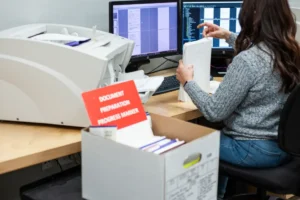
PDF scanning is usually the most practical option for contracts, manuals, invoices, reports, books, and other multipage records. It preserves page order and keeps the material in one manageable file.
A PDF can contain page images, bookmarks, metadata, and security settings. Its quality still depends on the chosen resolution and compression.
Searchable PDF and OCR
Optical character recognition, or OCR, adds a searchable text layer to scanned pages. Users can locate names, dates, clauses, or account numbers without manually reviewing every page.
OCR accuracy depends on page condition, type size, language, alignment, contrast, and scan clarity. Faded text, handwriting, shadows, or damaged pages may require manual review.
PDF/A for Long-Term Records
PDF/A is a standardized PDF designed for long-term preservation. It controls certain features, making the file less dependent on external resources.
It is useful for formal records and institutional archives, but it is not automatically the best format for photographs or fine art. Those materials are often easier to preserve and edit as individual TIFF files.
Specialized Formats Need Compatibility Checks
JPEG 2000 may suit institutional archives, while PSD can retain layers during active editing. Neither should be selected by default. Confirm that the archive, printer, client, and future software can support the format.
Match the Format to the Original
Photographs
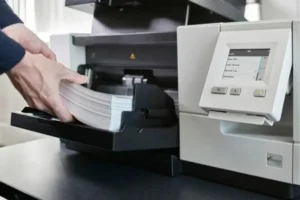
Use TIFF for valuable or damaged photos, then create JPEG copies for cloud albums and routine viewing. Include dates, names, or album references in file names when known.
Business Documents
Use searchable PDF for daily access and PDF/A when formal retention rules apply. Test OCR on difficult pages before converting a large archive.
Fine Art and Oversized Media
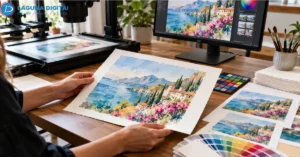
Fine art scanning requires more than a large pixel count. Accurate results also depend on controlled capture, calibration, color management, texture handling, and the planned print size.
TIFF is commonly used for paintings, drawings, watercolors, photographs, and mixed-media masters. An embedded ICC color profile helps color-managed software interpret the file consistently.
Oversized paintings, posters, maps, and drawings may require large-format fine art scanning rather than a standard office scanner.
When a scan will become a sellable print, plan the capture as part of the wider art reproduction process, including correction, proofing, media selection, and production.
Resolution, Bit Depth, and Color Still Matter
Resolution controls sampled detail. Bit depth affects the number of tonal or color values available for editing. An ICC profile tells color-managed applications how to interpret those values.
Excessive resolution may create huge files without revealing more useful detail. Choose settings according to the source, enlargement target, editing plan, and output method.
Before scanning, record the original dimensions, largest expected output, master format, delivery format, OCR needs, and color requirements. Test one representative item before processing the full collection.
Build a Master and Access Copy Workflow
Keep the approved master unchanged and store it in at least two separate locations. Create purpose-specific copies instead of repeatedly editing the master:
- JPEG for websites, previews, and email
- PNG for transparent graphics and line work
- Searchable PDF for document retrieval
- PDF/A for qualifying archival records
- Print-ready TIFF or PDF based on production requirements
Frequently Asked Questions
Which file format retains the most scan detail?
TIFF is one of the most widely accepted choices for detailed still-image masters because it can store image data without lossy compression. The scanner, resolution, bit depth, focus, and color management still determine the quality of the captured detail.
Is TIFF or JPEG better for scanned photos?
TIFF is better for preservation, restoration, and repeated editing. JPEG is better for sharing and compact storage. Keeping a TIFF master and a JPEG access copy provides a practical balance.
Is PDF suitable for high-resolution document scanning?
Yes. PDF can contain high-resolution page images, searchable text, metadata, and multiple pages. Its clarity depends on the resolution and compression used when the file is created.
What is the best scan file format for artwork?
TIFF is commonly selected for fine art masters because it supports detailed, color-managed workflows. The final decision should also consider the artwork size, intended print dimensions, editing requirements, and printer specifications.
Does converting JPEG to TIFF improve image quality?
No. Conversion changes the file container but does not restore details removed by JPEG compression. It can prevent additional JPEG compression during later saves, but the original loss remains.
Conclusion
TIFF is generally the strongest master format for detailed photographs and artwork. JPEG is efficient for sharing, PNG suits graphics with sharp edges, and searchable PDF organizes multipage documents. PDF/A serves specialized long-term recordkeeping needs.
Choose the format by deciding how the scan will be edited, stored, searched, printed, and delivered. Start with a test item, confirm the quality and color requirements, then create separate master and access files.
For photographs, documents, fine art, and oversized originals. Therefore, hire Laguna Digital to get the dimensions, material type, intended output, and preferred delivery format.
A clear project brief helps the scanning team recommend the right capture method and prepare files for archiving, editing, sharing, or professional printing.