

Printing 500 business cards is where a tiny file mistake stops being tiny. One wrong phone digit can spoil the run. A background that ends at the trim line may leave a white edge after cutting, while a web-sized logo can turn soft on paper.
The last review should be practical, not cosmetic. Before approval, make sure the card has the right information, correct dimensions, enough bleed, usable artwork, suitable paper, and a proof viewed at real size.
Read the Card Like a Customer Would
Start with the information, not the colors.
Read the name, job title, phone number, email address, website, and any social handle from the final PDF. Then test them. Call the number. Open the website. Send a test email. Scan the QR code on another phone.
Business card printing services cannot tell whether an employee changed titles or whether a QR code points to an old page. For a team order, have someone other than the designer review every version.
If the order includes several names, do not approve only the master layout. Longer names and email addresses can change spacing even when every card uses the same business card design.
Make Sure the Artwork Fits the Product
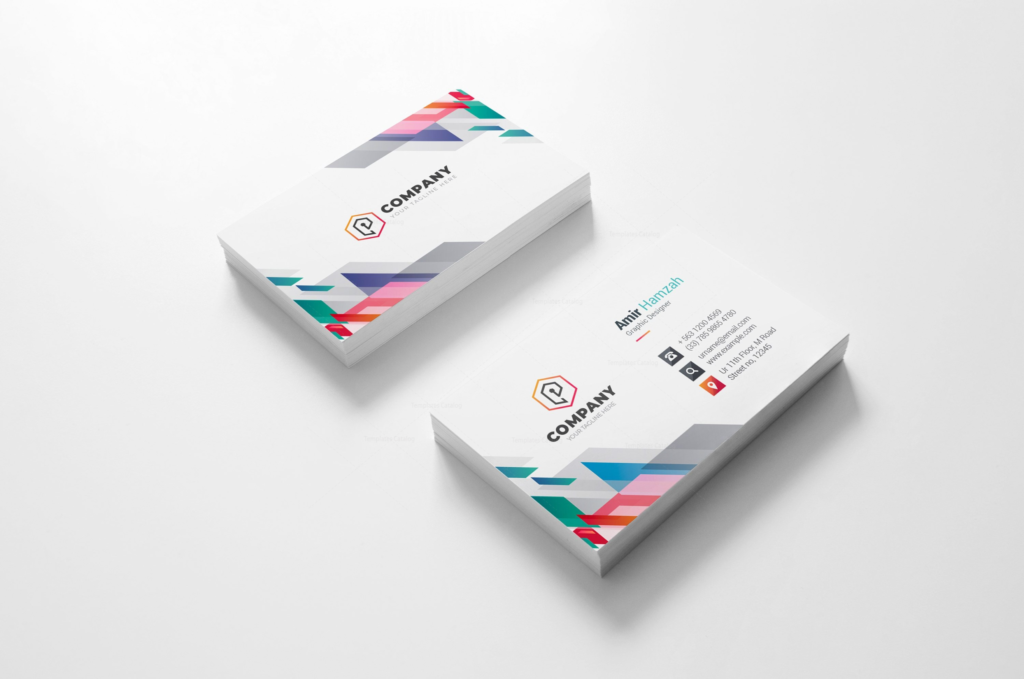
For a standard U.S. card, the usual finished business card size is 3.5 by 2 inches. That is the size after trimming.
Artwork that reaches an edge normally extends beyond the cut line. A common bleed allowance is 0.125 inch on every side, although the printer’s template should take priority. Important text and logos belong safely inside the trim area.
The business card dimensions also need to match what was ordered. Standard rectangles, square cards, and specialty shapes use different file setups. If you are using the traditional U.S. format, review the standard business card before locking the file.
This is where custom business card printing can go wrong late in the process. Resizing finished artwork to another shape can disturb margins, type size, and image placement. Build for the final business card dimensions from the start.
Judge the Design at Actual Size
A card can look spacious at 200 percent zoom and cramped in your hand.
Print a copy at 100 percent, cut it out, and look at it from normal reading distance. Is the name easy to find? Is the email address comfortable to read? Does the logo have enough room around it?
Good business card design gives the eye a clear starting point and does not make every element compete for attention.
The effective card design guide is useful here because it covers hierarchy, typography, bleed, and other choices that are easier to correct before approval.
Do Not Assume a Sharp Screen Means a Sharp Print
Small printed pieces are unforgiving because people view them from close range. Soft logos and compressed images stand out quickly.
Raster artwork should generally be prepared at 300 ppi at final size. Keep logos as vector artwork when possible, and be cautious with files pulled from websites or social profiles.
This part of business card printing is easy to overlook because screens hide a lot. Review the exported PDF too. Zoom in on logos, look for missing fonts, confirm front and back orientation, and make sure no object shifted during export.
For print ready business cards, the final PDF matters more than the working file. That is the file the printer will actually receive.
Expect Color to Behave Differently on Paper
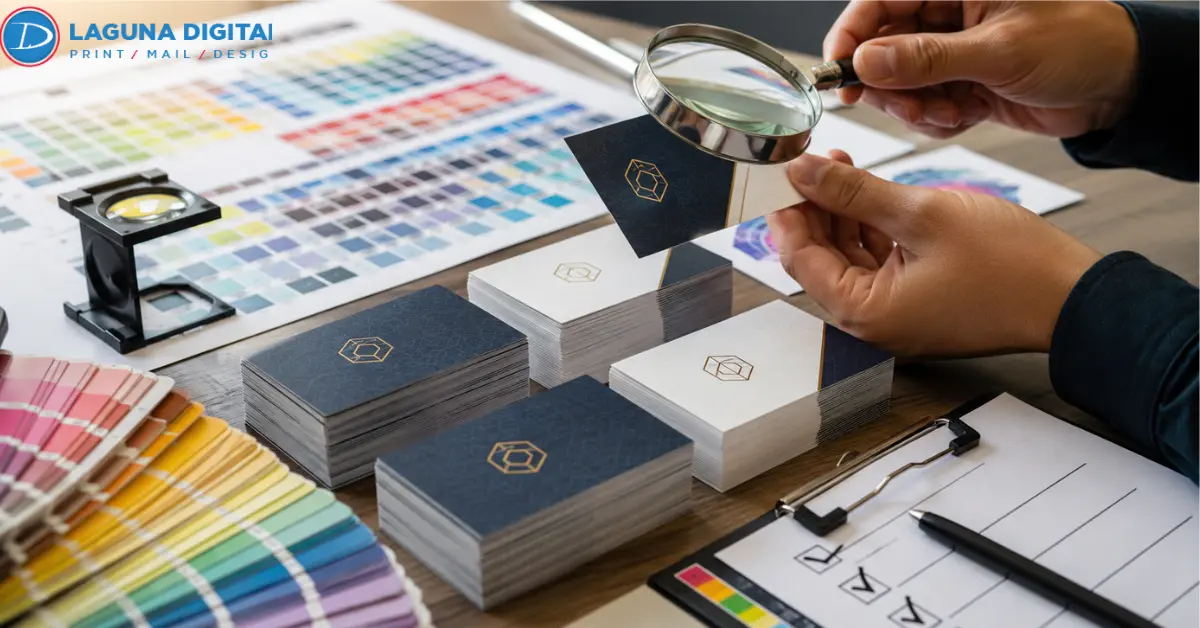
A monitor produces color with light. Printed stock reflects light. Bright RGB colors can therefore lose some intensity when prepared for CMYK printing.
Before custom business card printing begins, confirm the required color mode. If one brand color is especially important, ask what proofing or color-matching options are available.
Business card printing online makes layout approval convenient, but the preview cannot perfectly show how paper or coating will look in hand. Anyone ordering through business card printing online should treat that preview as a layout check, not a physical proof.
Pick Paper for the Way the Card Will Be Used
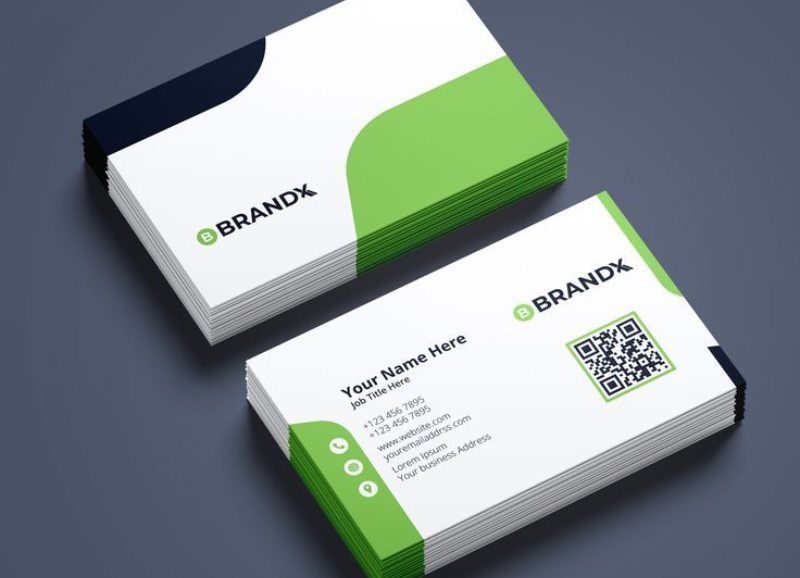
The best business card paper is not necessarily the heaviest stock.
A photographer may want a surface that gives images more contrast. A consultant may prefer something restrained and matte. A salon or clinic may need a surface that accepts pens because appointment times are added after printing.
Look at the available business card printing with that real use in mind. Paper, coating, and thickness should work together.
This is also where business card quality becomes more than a design issue. A beautiful card can still be annoying if it fingerprints easily, bends too quickly, or cannot be written on when needed.
Use Finishes Because They Help the Card
Matte, gloss, soft-touch, foil, rounded corners, and spot effects can all work well. They can also make a simple card unnecessarily busy.
Business card finishes should have a reason for being there. Gloss may suit photography. Matte can reduce glare. A tactile coating can make a minimal card feel more substantial.
Specialty finishing may need separate artwork or mask layers, so ask about those requirements before approval.
The same applies when custom business cards use a different shape. If a square layout suits the identity, start with the square business card options instead of forcing a rectangular design into a new business card format.
Hold a Physical Proof Before Releasing 500 Copies
A paper proof reveals things a monitor does not.
Print both sides at 100 percent and trim the sample to size. Turn it over to confirm the back is oriented correctly. Scan the QR code. Look at the margins. If customers will write on the card, test that too.
This is the moment to judge the second side of business card quality, which is how the piece actually feels and functions.
The guide to why cards can look cheap or flimsy is worth reading before approval because it covers problems that are easy to miss on screen, including poor logo files, weak spacing, and unsuitable stock.
For a multi-person order, repeat the proofing step for every version.
Look at the Final Price, Not the Headline Price
Business card printing cost depends on more than quantity. Stock, coating, special finishes, multiple versions, turnaround, proofing, and shipping can all change the total.
Confirm whether 500 means 500 copies of one design or 500 divided among several people. That distinction matters when comparing business card printing services.
The second business card printing cost review should happen after every option has been selected. By then, you are comparing the actual job rather than an advertised starting price.
Give the Final PDF One Quiet Review
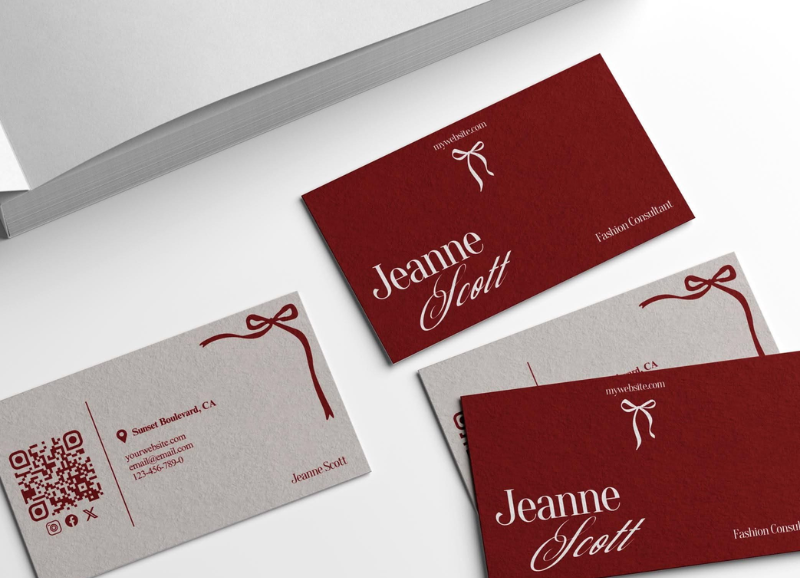
By this stage, there should be nothing left to redesign.
Open the PDF again and read every line from beginning to end. Confirm the business card format, page order, orientation, bleed, image quality, and quantity. Compare filenames carefully if several employees are involved.
For print ready business cards, this last pass should feel almost boring. That is a good sign. The creative decisions are finished, and the only job left is preventing an avoidable production mistake.
Once that review is complete, the business cards are ready for approval.
What is the standard business card size in the United States?
The common finished size is 3.5 by 2 inches. Full-bleed artwork normally extends beyond that trim size. The printer’s template should be the final reference.
Most Asking Questions
Is 300 ppi enough for business card printing?
Yes. For raster artwork used at final size, 300 ppi is a common target for sharp close-viewed print. Vector logos and type remain preferable when available.
Is matte or gloss better for custom business cards?
Neither is automatically better. Gloss can strengthen photographs and color, while matte reduces glare. Choose according to the artwork and how the card will be handled.
What business card paper should I choose?
Choose the stock according to use. Consider writability, durability, image reproduction, coating, and how the surface fits the brand rather than choosing by thickness alone.
What should I check right before approving 500 business cards?
Read every contact detail again, test URLs and QR codes, confirm bleed and dimensions, inspect the final PDF, review the selected stock and business card finishes, and check quantity, turnaround, and total price.
Conclusion
Printing 500 business cards does not require a complicated approval process. It requires the right order of checks. Confirm the information first, then the file setup, color, paper, finish, proof, quantity, and price.
Once those details are settled, the business cards are much safer to release. Laguna Digital can help turn an approved file into a finished print order with options that fit how the cards will actually be used.