


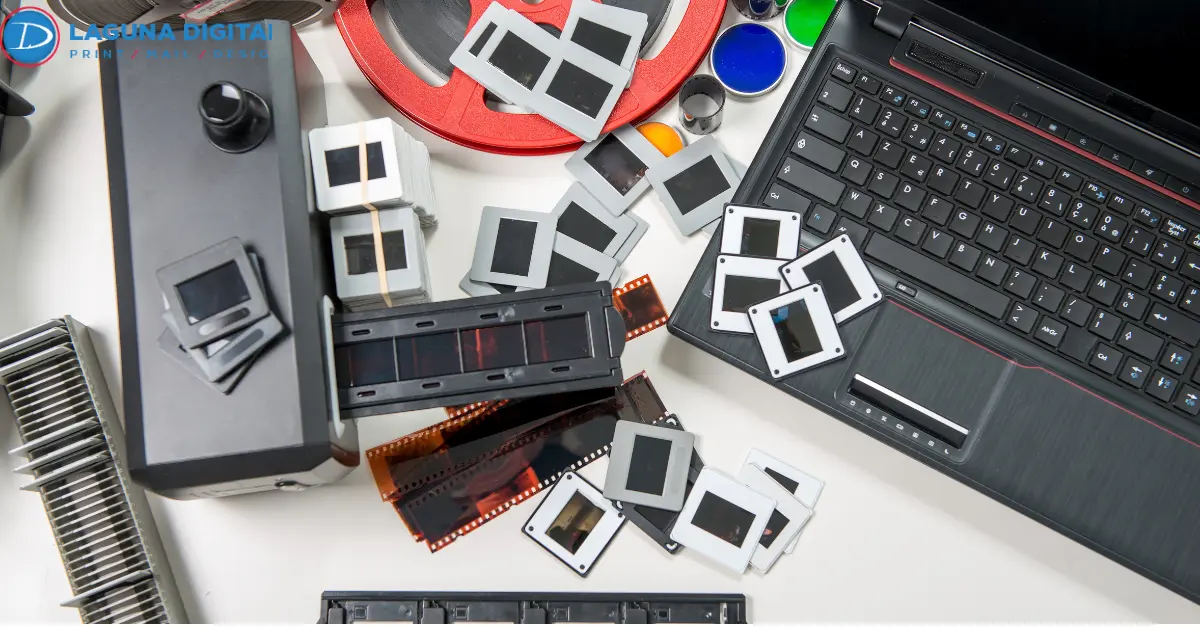
Film transfer vs scanning are not two names for the same job. A transfer records your reel while it plays, through a projector or telecine unit and a camera. A scan stops on each frame, photographs it, and builds the video afterward.
Everything else follows, from sharpness to the files you get back. For a shoebox of reels headed from old film to digital, here is what each method does and which to ask for.
Film Transfer To Digital Uses Either A Projector Or A Scanner
The two methods look alike on a price list and have almost nothing in common inside the lab.
Real Time Transfer Method
A projector plays your film into a camera that records at close to 30 frames per second. The film runs at 16 or 18, and the two never line up. Frames blend, or the picture flickers. Better units mount the camera at the film gate, but the light still passes through projector optics and a hot bulb.
Frame By Frame Scanning Method
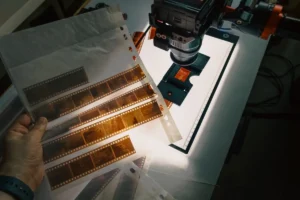
A scanner treats your reel like a stack of photographs. It moves the film one frame, takes a still, and moves again. The Center for Home Movies, the nonprofit behind Home Movie Day, describes scanners as machines “designed to capture each frame of a film as a discrete digital image.” Those stills then become a video that plays at the speed your camera ran.
Scanning Produces A Sharper And Truer Picture Than Transfer
The film transfer vs scanning gap shows the moment both play on a big screen.
| Factor | Real-time transfer | Frame-by-frame scan |
| Capture | Projected picture recorded on video | Each frame photographed as a still |
| Resolution | Usually 720 by 480 | 1080p, 2K, or 4K |
| Flicker | Common | None added |
| Film handling | Sprocket claw | Sprocketless rollers |
| Editing files | Compressed video only | ProRes, DPX, or MP4 |
Resolution
Regular 8 frames are about 4.8 by 3.5 millimeters. Super 8 is slightly bigger at 5.8 by 4. Blow that up to a 65-inch television and every soft edge shows. Frame-by-frame 8mm film scanning captures at 1080p, 2K, or 4K, and the grain and fine detail survive. The 16mm frame has more than four times the area of Regular 8, and 16mm film scanning at 2K or 4K looks richer still.
Flicker
The flicker in old transfers comes from the frame rate mismatch, and a scan has none. Better scanners also add optical pin registration to hold every frame steady.
Color
Old color stock drifts toward red or blue over the decades, and a projector bulb adds a warm cast. A Super 8 film transfer done in real time bakes both errors into the recording. Film scanning to digital captures a flat image with more room between shadows and highlights, and a technician corrects the color in DaVinci Resolve.
Scanners Treat Fragile Film More Gently Than Projectors
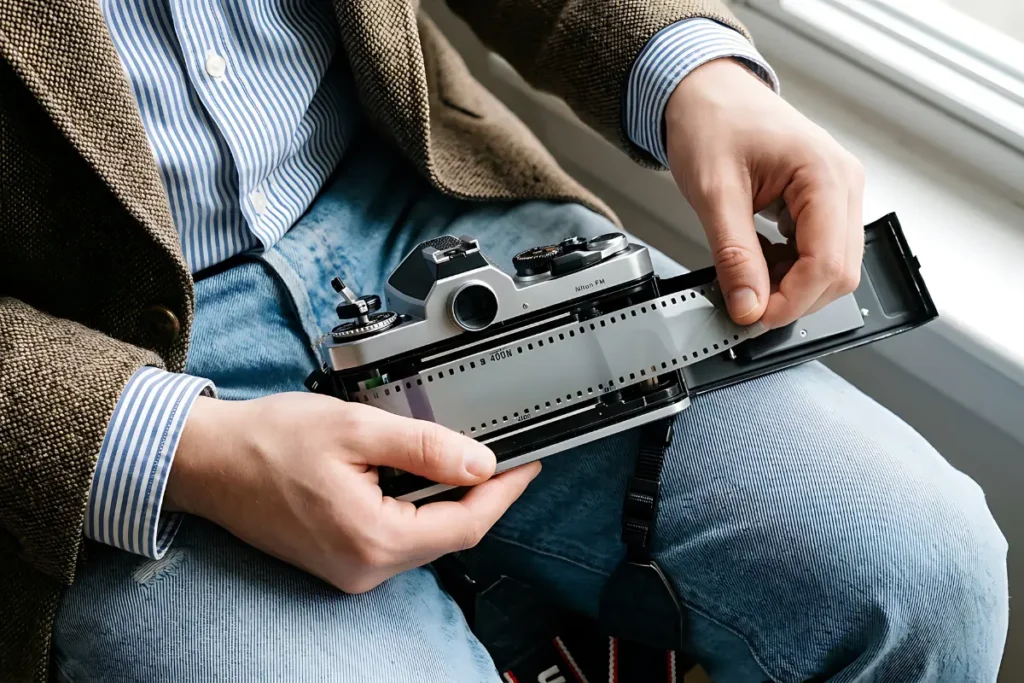
Picture quality is only half the story. A sixty-year-old reel also has to survive the machine.
Film Handling
Projectors pull film along by its sprocket holes with a metal claw. Acetate shrinks as it ages, and once the holes no longer match, the claw tears them. Professional scanners use sprocketless transport instead, smooth rollers that let shrunken or warped reels pass through unharmed.
A careful 8mm film transfer service also inspects every reel first to clean dust and mold and replace failing splices. Look for that inspection step on any reel to digital service page before you book.
Frame Rate
Regular 8 was usually shot at 16 frames per second, Super 8 at 18, and 16mm at 18 or 24. Super 8 film scanning stores each frame once and plays the file back at the original speed, and people walk at a normal pace. A transfer forces the film to 30 frames per second and blends frames to fill the gap.
Cost And Turnaround
Film reel digitization on a scanner takes two to three times the running length of the film, and that time is what you pay for. As of 2026, independent US labs mostly charge 25 to 36 cents per foot for HD frame-by-frame work, 45 to 75 cents for 2K, and a dollar or more for 4K.
Most home movie reels are 3-inch spools holding 50 feet, so a film digitization service usually charges 15 to 30 dollars for one.
Scanning Delivers Master Files That A Transfer Cannot Produce
Once the reel is captured, the file format decides how useful the result stays.
MP4 Files
A film scanning service usually delivers an MP4 using the H.264 or H.265 codec, which plays on phones, TVs, and computers. Name the files by date and event, and the guide on moving old videos and films to digital shows a folder system that works.
ProRes And DPX Files
Editors and archives ask for Apple ProRes 422 or 4444, or a DPX or TIFF image sequence with one file per frame, because those keep the full color range for grading, and they are large. A 16mm film transfer of a 400-foot reel, about eleven minutes at 24 frames per second, can pass 100 gigabytes in 4K ProRes 4444.
USB, Cloud, And DVD Delivery
USB drives and cloud links are now standard. A DVD holds standard definition only, so keep the full-resolution file on a drive too. If the same shoebox holds VHS or Betamax tapes, a tape to digital service in the same order puts everything on one drive.
The Right Method For 8mm, Super 8, And 16mm Reels
The choice then comes down to the format on the reel and whether it has sound.
Regular 8 And Super 8 Reels
Hold the film up to a window. Regular 8 has large square perforations, and Super 8 has small ones. Frame-by-frame 8mm film scanning at 1080p or 2K is the sensible standard for both, and 4K rarely pays off on grainy Regular 8.
Sound reels carry a magnetic stripe, and a Super 8 film transfer with audio needs a machine that reads it, so confirm this before you order. Camcorder cassettes labeled 8mm are videotape, not film, and belong with the 8mm tape to DVD conversion guide instead.
16mm Reels
The larger frame rewards 2K or 4K. A B&H Explora scanning guide tested both on 16mm and found native 4K held more detail than 2K enlarged later. Optical or magnetic sound tracks need a scanner with a sound head.
Schools, churches, and businesses own much of this footage, and 16mm film scanning turns it into something you can edit, share, or license.
Pre-Order Checklist
- Confirm the capture method. Frame-by-frame scanning is the answer you want.
- Ask the film scanning service for the delivered resolution in pixels, since standard definition is a poor fit for old film to digital work.
- Ask whether the full 4 by 3 frame is captured or cropped to 16 by 9.
- Ask about sprocketless transport if a reel smells like vinegar, the sign of vinegar syndrome and shrinking acetate.
- Request the master file plus an MP4 for every 8mm or 16mm film transfer, and confirm the original reels come back.
Do not project a reel to preview it. Bulb heat and old splices cause damage that no film digitization service can undo.
Frequently Asked Questions
What Is The Difference Between Transferring And Scanning Film?
Transferring records the moving picture off a projector or telecine unit. Scanning photographs every frame as a separate still and builds those stills into video, so the scan is sharper and steadier.
Is 4K Worth It For 8mm Film?
Usually not, because 2K captures almost all the detail in the small frame, and Super 8 film scanning at 2K looks clean on a large screen. 4K makes more sense for 16mm.
How Much Does It Cost To Digitize 8mm Film?
Most independent labs charge 25 to 36 cents per foot for HD frame-by-frame work and more for 2K or 4K. A 50-foot reel from a quality 8mm film transfer service lands near 15 to 30 dollars.
How Long Does It Take To Scan Film Reels?
Film reel digitization is slow by design. Each frame is captured on its own and color corrected, and local labs commonly quote one to three weeks.
Can Damaged Or Shrunken Film Still Be Digitized?
Yes, if the lab uses sprocketless transport. Rollers move the film without pulling on the perforations, so shrunken or torn reels still make it through film scanning to digital safely.
Conclusion
Scanning wins on every measure that matters for irreplaceable film, and the extra cost buys a master file that outlasts every format change. Laguna Digital offers frame-by-frame film transfer to digital for 8mm and 16mm reels at two Orange County locations and quotes every job up front. Reels do not wait.
Acetate keeps shrinking, colors keep fading, and the sharpest copy you will ever get is the one made now. Gather the reels, note what the boxes say, and request a quote today so those frames are safe.