


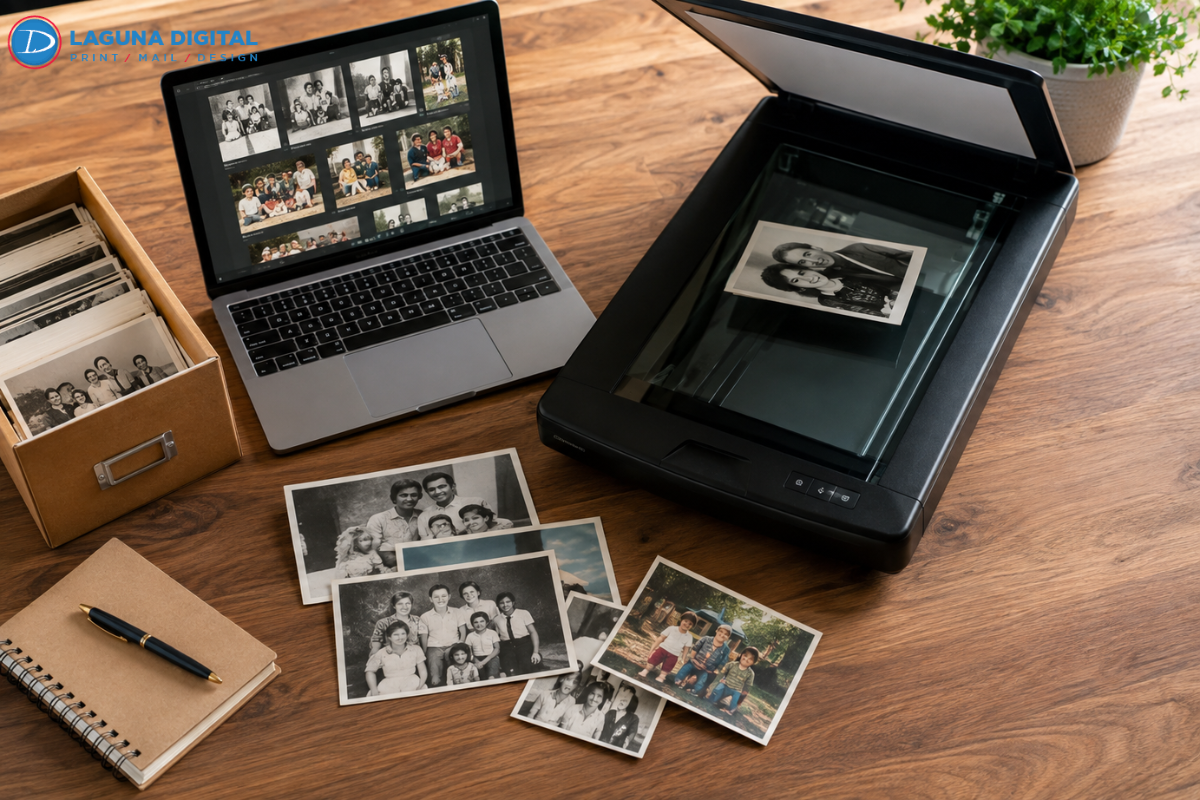
In our day-to-day lives we go inside our local businesses and find amazing history locked away in old cardboard boxes or hiding in old glass frames. Physical photographs reflect the blood, sweat, and triumphs of a business’ existence, but time is always their biggest adversary. When you get Scanning done for your documents, it is not just making a copy; it preserves your history from being lost to the degradation of time. We know how difficult it is for the business owners to keep their records from fading away due to moisture, heat, and light exposure.
Protecting Your Business Heritage from Environmental Damage
Traditional photographs are always exposed to various environmental dangers. People often ignore these risks until it is too late. There have been many cases where people have lost their archives to vinegar syndrome. Old films can decompose, produce a foul smell, and damage the image at the same time. Excessive moisture can also cause photographs to stick together. It can become almost impossible to separate them without tearing the delicate emulsion. Through digitization, you can stop relying only on fragile physical copies. This helps protect your entire history from being wiped out by a flood or fire.
Digitized files provide a new level of security for valuable archives. You can create several copies and store them on different platforms. Encrypted cloud storage and external hard drives are useful options. Keeping multiple copies creates an extra layer of protection. If one storage platform fails, another copy can still remain available. This redundancy helps ensure that your business history is not compromised or permanently lost.
Comparing Physical Storage to Digital Archives
| Feature | Physical Prints | Digitized Files |
| Durability | Vulnerable to light, heat, and age | Permanent with proper backups |
| Searchability | Requires manual sorting | Instant via keywords/metadata |
| Space Required | Needs physical square footage | Fits on a pocket-sized drive |
| Shareability | High risk of loss during transit | Instant global sharing |
Enhancing Brand Storytelling and Social Media Presence
Authenticity is a key factor for today’s customer base, and there is no better way to showcase your experience than with an exhibition featuring the history of your company from decades past. Our clients have found that older photographs create much more engagement than basic stock photography on social media channels. But a poor-quality smartphone photo of an old Polaroid does not look professional or capture the details of the original image.
Turning Archives into High-Resolution Marketing Assets
After we digitize your photographs, you receive high-resolution digital images. These images can become very useful for your marketing department. You can easily use them across different marketing materials. Add them to your website, About Us page, emails, or annual reports. Many of our customers also use these high-resolution images for large office decorations. They can create impressive displays for office lobbies or retail spaces. If you plan to present your history on a larger scale, understanding Rigid outdoor signs can also be very helpful.
Practical Strategies for Organizing Massive Photo Collections
The largest problem we see in many organizations is the shoebox mess, in which thousands of photographs exist in an unorganized manner. Searching for a particular photograph from the ribbon-cutting ceremony held in 1985 should not be considered treasure hunting. Through digitization, you can apply a proper organization structure through metadata and tagging. This way, you can organize your whole collection based on time, place, or departments and have your employees access whatever they need within seconds.
Eliminating the Chaos of Physical Filing Systems
We suggest adopting a standardized naming convention for all your digital assets. For example, using a YYYY-MM-DD-Event-Location format keeps your files in chronological order automatically. This level of organization prevents the common problem of digital clutter where files get lost in a sea of random numbers. When you treat your photo collection as a structured database, you increase the productivity of your marketing and administrative teams.
Professional Restoration vs. DIY Scanning
Businesses frequently try to reduce costs through basic office scanners or applications for smartphones in order to make digital copies of their archive. This may be good enough for general pictures, but not for the branding purposes. The quality of consumer scanners usually leads to blown highlights or shadowed details of old prints. We employ high-dynamic-range hardware that will accurately copy all subtleties of the original photograph, showing additional details which cannot even be seen on the paper version.
It is also important to mention that we offer the service of color correction and restoration. Over time, cyan, magenta, and yellow dyes of color photographs fade unevenly, and as a result, they end up orange or blue. Using special software, we restore the initial colors of the photograph, making it look fresh again.
FAQs
How do I prepare my photos for professional scanning?
Care must be taken while removing the photos from the old albums to prevent tearing. Photos can be organized in decades or categories through the use of envelopes and labeled appropriately. This will help in maintaining your desired arrangement during the digitization process.
What file format should we choose for our digital archive?
Our files can come in two types of files TIFF and JPEG format. Our TIFF file format is lossless and acts as your high-quality master archive file. Meanwhile, the JPEG file format has a smaller size which is great to use in websites and social media sites.
Can you digitize damaged or torn photographs?
Yes, we can. While we cannot physically fix the paper, we can digitally repair cracks, tears, and dust spots during the scanning process. Our team uses specialized retouching techniques to bridge the gaps in damaged images, making the digital version look much cleaner than the physical original.
How much space will my digitized collection take up?
Approximately a few thousand high-definition images will easily fit into a typical 64GB USB thumb drive or a tiny piece of your cloud storage account. No longer do you have to spend valuable space in the office keeping piles of cardboard boxes – your photographic legacy now fits on your key ring!
Conclusion
Uploading your old printed photos onto digital format is one of the essential things that needs to be done to ensure that your business moves ahead into modern times. We have witnessed firsthand how a well-structured digital archive changes boxes of forgotten pieces of paper into marketing tools. By transferring your history to the digital format, you are ensuring that your heritage will stay alive, accessible, and protected from all external threats for many years to come.
Going through the process of digitization, you have to make sure that all the necessary measures are taken during the procedure. We are convinced that each business has its own story to tell, and digital images are the perfect medium for doing so. If you are ready to ensure the safety of your history and future, please feel free to visit Laguna Digital.