
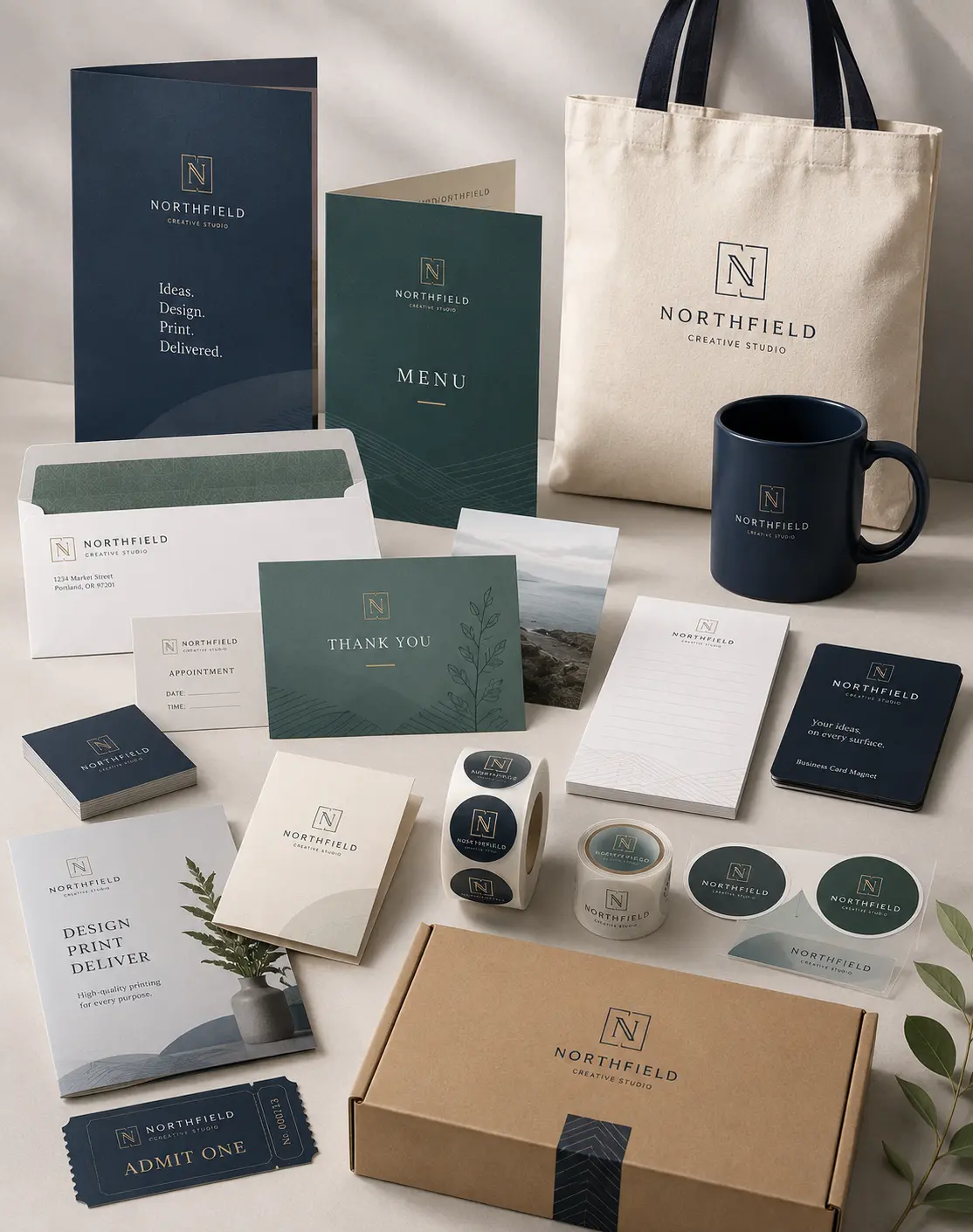



Many businesses lose money on printing without realizing where the waste comes from. A team may print full color handouts when black and white copies would work just as well. Another business may choose the cheapest option upfront, then spend more later because the materials look unprofessional, need reprints, or fail to support the purpose of the job.
We see this most often when companies treat copying as a simple task instead of an operational decision. The right choice depends on budget, quantity, turnaround time, paper type, branding needs, and how the document will reach the customer. When we compare options carefully, copying services can help reduce printing costs without lowering quality where it matters.
The goal is not always to choose the cheapest copy. The goal is to choose the copy option that gives the right value for the job.
Why Copying Costs Add Up Faster Than Expected?
Printing costs rarely come from one large expense. They usually build up through small decisions repeated every week. A few extra color pages, thicker paper than needed, last minute production, or multiple rounds of corrections can turn a simple job into an expensive one.
For example, a service company may print training manuals every month. If each manual includes color pages that do not improve understanding, the company pays extra every time. Over a year, that small choice can become a real budget issue.
The same problem happens with marketing teams. A flyer, presentation packet, or proposal may need premium color printing service because it represents the brand. But internal forms, contracts, schedules, and basic handouts usually do not need the same treatment.
Color Copying vs Black and White Copying
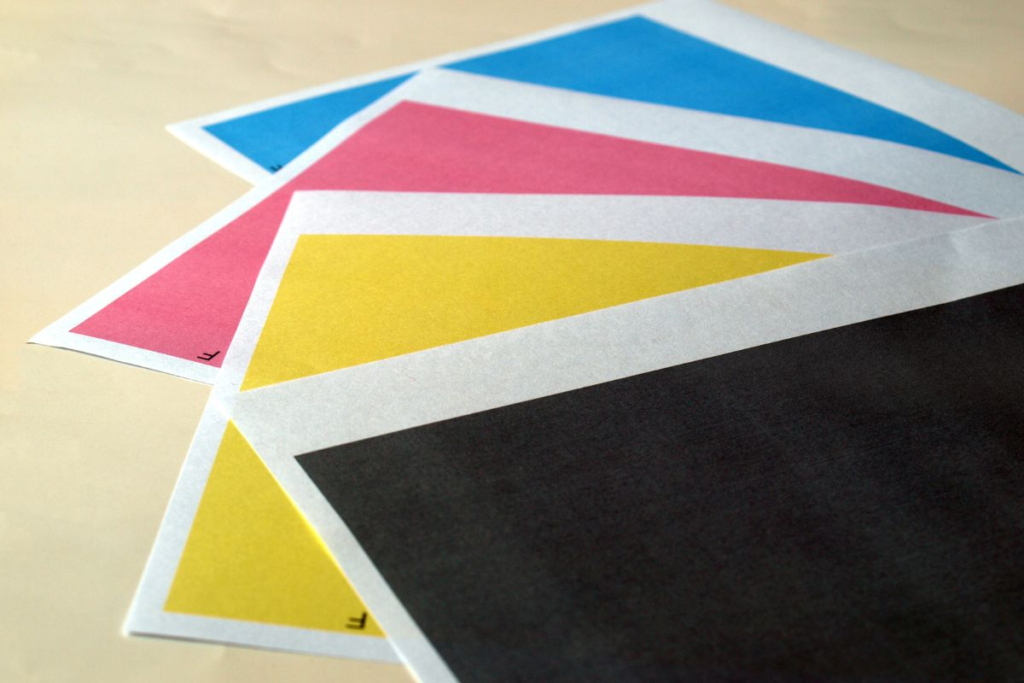
Color copying creates a stronger visual impact. It works well for sales materials, product sheets, menus, presentations, event flyers, and customer facing documents. Color helps highlight images, charts, branding, offers, and important details.
Black and white copying works better for everyday business documents. It keeps costs lower and works well for forms, contracts, packets, reports, manuals, invoices, drafts, and internal communication.
The mistake many businesses make is choosing one option for everything. We get better results by separating documents into two groups: materials that need visual influence and materials that only need clear information.
When Color Copies Make Sense
Color copies make sense when the document needs attention, trust, or brand consistency. A real estate brochure, retail flyer, restaurant menu, or sales presentation usually performs better in color because the visuals support the message.
Color also helps when charts, photos, maps, or product images carry important meaning. If the reader needs to compare visual details, black and white may reduce clarity.
We recommend color copying for customer facing pieces where appearance can affect response, confidence, or perceived professionalism.
When Black and White Copies Save Money
Black and white copies work best when the reader only needs text, structure, or basic information. Most document copying jobs for internal use do not need color.
Employee packets, meeting notes, legal drafts, training pages, checklists, and basic business copying can usually stay black and white. The savings become significant when the page count grows.
The Hidden Costs Behind Cheap Copying
Affordable copying services should help a business control expenses, but cheap copying can create problems when quality drops too far. We often see businesses focus only on the per page rate without checking paper quality, image clarity, finishing, or turnaround reliability.
A low price does not help if the copies come out faded, misaligned, curled, or poorly trimmed. Poor quality materials can weaken a sales meeting, confuse customers, or force a full reprint.
The true cost includes more than the invoice. It includes staff time, missed deadlines, customer impression, and replacement expenses.
Reprints Cost More Than Better Planning
One of the easiest ways to waste money is sending files to print before reviewing them properly. A typo, wrong phone number, outdated logo, or missing page can ruin the whole batch.
We recommend checking every file before production. Confirm the page size, page count, margins, spelling, contact details, colors, and final quantity. For larger jobs, a proof can prevent expensive mistakes.
Last Minute Orders Can Increase Costs
Same day copying can be extremely useful when a business has a deadline, event, meeting, or urgent client need. But relying on rush production too often can raise costs and create avoidable pressure.
When teams wait until the last moment, they have fewer options. They may need faster production, immediate pickup, or simpler finishing. Planning ahead gives more room to compare paper, choose the right quantity, and avoid rush decisions.
How Businesses Can Choose the Right Copying Option?
A practical copying decision starts with four questions. Who will receive the document? How long will they use it? Does visual quality influence the outcome? How many copies does the business need?
These questions usually reveal the right option quickly. A customer proposal may deserve full color and premium paper. A warehouse checklist may only need black and white copies on standard paper. A training manual may use black and white inside pages with a color cover.
This blended approach works well because it protects the budget while keeping important materials professional.
Match Quality to the Audience
Not every document carries the same weight. A flyer handed to potential customers needs a stronger presentation than an internal sign in the break room.
We recommend investing more in materials that represent the brand directly. That includes sales packets, marketing handouts, product information sheets, menus, event materials, and client proposals.
Match Quantity to Real Demand
Overprinting creates waste. Underprinting creates delays. Many businesses guess quantities instead of reviewing actual usage.
If an ecommerce brand includes printed inserts in packages, the team should calculate order volume before printing. If a service business prints forms for customers, it should review monthly usage before placing a large order.
We usually recommend printing in practical batches. That helps businesses avoid outdated materials, especially when prices, services, offers, or contact details change often.
Paper Choice Can Affect Cost and Perception
Paper choice matters more than many businesses expect. Standard copy paper keeps costs down for everyday documents. Heavier paper feels more professional for customer facing materials.
A simple black and white document on clean, bright paper can look better than a color copy on poor paper. On the other hand, premium paper can waste money if the document only supports internal operations.
Finishing Options That Can Save Time
Finishing options add cost, but they can also save staff time. Stapling, collating, folding, binding, hole punching, and sorting can make a job easier to distribute.
A business may try to save money by handling finishing in house. That works for small jobs. For larger quantities, staff time can cost more than professional finishing.
For example, a company preparing 300 training packets may spend hours sorting and stapling pages manually. A copy center can often complete that work faster and more consistently.
We recommend comparing the finishing cost against the time employees would spend doing it manually.
Binding for Longer Documents
Binding helps when documents need to last longer or stay organized. Training manuals, proposals, reports, onboarding packets, and event guides often benefit from binding.
The key is choosing the right level of finishing. Not every packet needs a premium finish. Simple binding may create enough polish without unnecessary expense.
Folding and Sorting for Distribution
Folding, sorting, and collating help when materials need quick handout or mailing preparation. This matters for marketing teams, schools, offices, healthcare practices, and service businesses.
When a project needs clean organization, professional finishing reduces mistakes and keeps the workflow moving.
Common Copying Mistakes That Waste Money
The most common mistake is printing everything in color. The second mistake is printing too many copies. The third is sending files without checking them.
Many businesses also overlook file setup. Low resolution images, wrong page sizes, missing bleed, and poor margins can affect quality. Even basic document copying can look unprofessional when files are not prepared correctly.
Another mistake is choosing the wrong provider for the job. Some copy center services work well for quick basic copies, while others handle larger business copying jobs with better finishing, file support, and scheduling. We recommend building a simple checklist before ordering:
- Check the final file
- Confirm color or black and white
- Choose the correct paper
- Set the right quantity
- Review finishing needs
- Confirm deadline and pickup or delivery
How Marketing Teams Can Reduce Printing Costs?

Marketing teams often face pressure to move quickly. Campaigns change, offers expire, and teams need materials for events, mailings, sales visits, and promotions. Without a clear process, printing costs can rise fast.
We recommend creating standard print rules. For example, customer facing campaign materials may use color. Internal drafts may use black and white. Short term promotional pieces may use lighter paper. Long term brand materials may use better stock.
Marketing professionals should also review performance. If a flyer, coupon, or insert performs well, printing more may make sense. If a piece does not support results, redesigning it before reprinting saves money.
How Service Businesses Can Use Copying More Efficiently?
Service based businesses rely heavily on forms, agreements, estimates, checklists, handouts, and customer instructions. These documents may not look like marketing materials, but they shape the customer experience.
A clean estimate sheet builds trust. A readable instruction packet reduces phone calls. A professional service agreement helps the business look organized.
We recommend separating service documents into reusable categories. Keep basic operational documents in black and white. Use color only for branded handouts, customer guides, or materials that explain services visually.
Frequently Ask Questions
Is black and white copying always cheaper than color copying?
Yes, black and white copying usually costs less than color copying. It works best for text heavy documents, internal forms, drafts, manuals, and basic business records.
When should a business choose color copying?
A business should choose color copying when visuals, branding, photos, charts, or customer impression matter. Color works best for marketing materials, proposals, menus, flyers, and sales documents.
How can we reduce printing costs without lowering quality?
We can reduce printing costs by using black and white for internal pages, choosing practical paper, avoiding overprinting, reviewing files carefully, and using color only where it improves results.
Are affordable copying services reliable for business use?
Affordable copying services can be reliable when the provider offers clear file checks, good equipment, consistent paper quality, and dependable turnaround times. Price should not be the only factor.
Is same day copying worth it?
Same day copying is worth it for urgent meetings, events, presentations, and last minute business needs. For regular projects, planning ahead usually gives better pricing and more options.
What is the best copying option for training manuals?
Training manuals often work best with black and white inside pages, a color cover, and simple binding. This keeps the manual professional while controlling overall cost.
Wrapping It Up
Saving money on copying starts with better decisions, not lower standards. When we match each document to its real purpose, we avoid paying for color, paper, finishing, or rush service that the job does not need.
Color copying supports brand impact and customer communication. Black and white copying controls costs for everyday business documents. Paper choice, quantity planning, file review, and finishing options all influence the final value.
For businesses that print regularly, a thoughtful copying process can reduce waste, improve consistency, and make every print order easier to manage. When the next project comes up, Laguna Digital recommends reviewing the purpose, audience, deadline, and quantity before choosing the copying option.