

According to the U.S. Bureau of Labor Statistics, 58% of craft and fine artists were self-employed in 2025. A repeatable reproduction process can give working artists several price points from one piece.
A painting can sell once, but a dependable reproduction file can keep working after the piece leaves the studio. The challenge is preserving the color, texture, scale, and character of the original artwork on a finished product.
Choose the product, capture for the largest size, correct the file against the physical piece, proof it, then build inventory.
Start With the Original Artwork and the Final Size
Decide size before paper or print method. A 5 x 7 card and a 24 x 36 poster place different demands on the same file.
Plan for the Largest Version
Work backward from the biggest product likely to be sold. If original artwork may become a large print, the capture must contain enough real detail from the start. Enlarging a small file later can soften edges and make fine marks disappear.
This is where custom artwork printing becomes a production decision. Dimensions, crop, borders, and viewing distance affect the file.
Know Which Details Belong
Watercolor grain, pencil texture, canvas weave, and brush marks may be part of the piece. Identifying them before capture helps prevent useful characters from being removed during cleanup.
Capture a File That Can Handle Enlargement
Once the final size is known, choosing between scanning and photography becomes much easier.
Match the Capture Method to the Surface
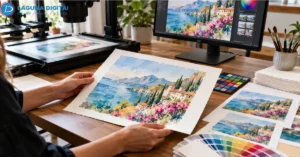
Drawings, prints, and watercolors are usually strong candidates for high-resolution scanning. Thick paint, glossy varnish, frames, and dimensional surfaces may need controlled photography or contact-free capture because reflections and depth can change the result.
Professional artwork scanning services are useful for oversized or delicate pieces. The goal is usable detail at the intended print size, not simply a large file.
“Scanning resolution … ranks as the most important choice to be made.”
Keep One Master File
For many high-quality print jobs, 300 ppi at final size is a useful starting point, although the printer’s specification comes first. Higher-resolution capture may help when small original artwork will be enlarged.
Keep the highest-quality master separate from product files. TIFF is commonly used for raster masters. Digital artwork should also retain its editable source, with separate flattened files prepared for production.
Match the File to the Physical Piece
Sharpness alone cannot rescue poor color. Screens emit light, while paper reflects it, so a bright monitor can hide shadows that will print too dark.
Check Color Under Consistent Light
Compare the file with the physical piece under neutral light. Check pale tones, deep shadows, saturated colors, and subtle transitions.
An experienced art reproduction agency should be able to explain color management, ICC profiles, paper choice, and proofing clearly. Before choosing a print surface, Turn Your Artwork Into Professional Giclée Prints offers a useful look at how capture, color, paper, and proofing work together.
Remove Defects Without Flattening the Work
Dust, lint, and capture marks can be removed. Natural surface character should remain. Over-retouching can make fine art prints look clean on screen but lifeless on paper.
The goal is to correct the reproduction file, not quietly redesign the piece.
Choose Products That Suit the Composition
A good product range begins with the image, not with a catalog of everything that can be printed.
Test One Main Print Format
Detailed landscapes often need room to breathe. Bold graphic work can remain readable at smaller sizes. For larger artwork prints, custom posters provide a practical way to test scale before adding more formats.
Keep the composition intact. If the aspect ratio does not match, use a border or another size rather than stretching the image or cutting important detail.
Let the Paper Support the Image
Matte surfaces can suit softer work, while smoother stocks can hold crisp lines and stronger contrast. The paper should support the piece rather than compete with it.
When comparing giclée printing services, ask about file format, color space, resolution, paper options, and proofing. Those details say more about the likely result than a print-method label alone. The same questions matter when selecting fine art printing services for a repeatable edition.
Proof One Product Before Ordering More
A proof shows how the file, paper, ink, crop, and finish behave together. It is also the cheapest point at which to catch a mistake.
Check the Proof at Two Distances
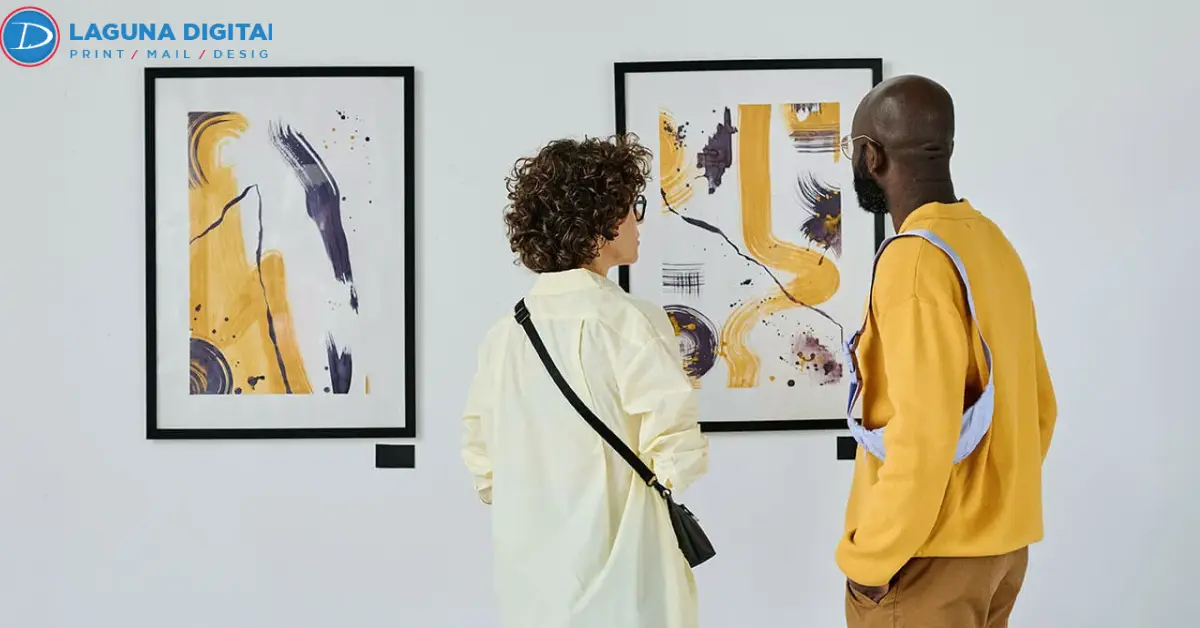
Place the proof beside the original artwork and inspect color, dark areas, crop position, border width, and surface detail. Then step back. A print can look sharp up close and still feel too dark or crowded on a wall.
For rigid display, mounted posters should be proofed as their own format because the finished presentation differs from a loose paper print.
Save What Was Approved
Record the size, crop, profile, and finishing notes with the production file. That turns a successful proof into a repeatable specification. Reliable fine art printing services can then reproduce the approved setup more consistently.
Build a Small Range From the Approved Master
Once one product works, the same master can support a focused range.
Create Clear Price Points
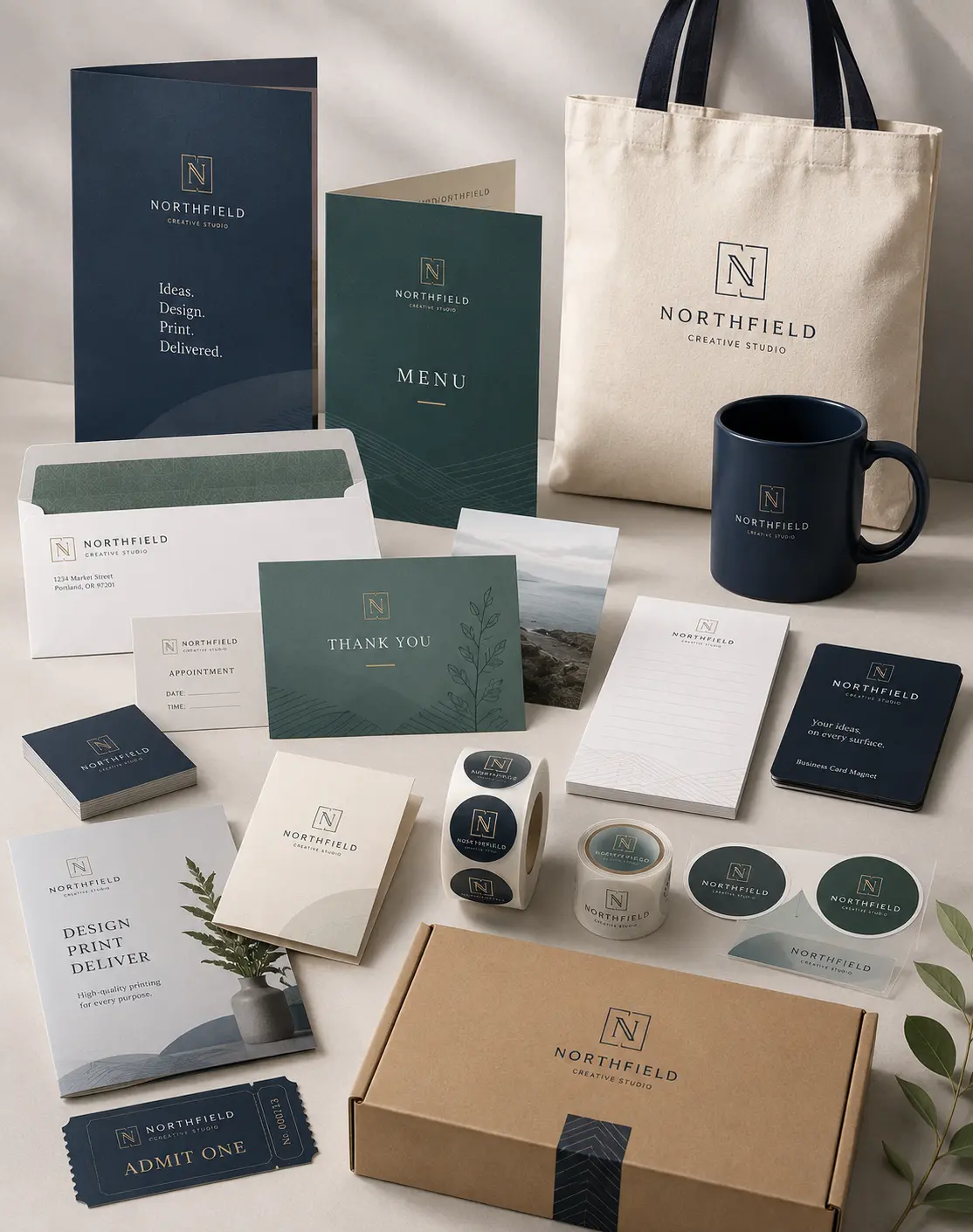
A large statement piece can lead the range, with medium wall art prints and a smaller option for buyers with less space or budget. For artwork that still reads clearly at small scale, postcards can work as compact art cards rather than an unrelated promotional product.
Custom artwork printing is easier to control when every product has its own crop and dimensions while the original artwork master remains untouched. A second set of artwork prints can then be produced from the same approved source.
Keep Edition Records
A dependable art reproduction agency should make repeatability easier. Professional artwork scanning services and controlled files reduce the need to recreate decisions later. The same care helps giclée printing services reproduce fine art prints consistently from one approved master.
Protect the Master Before the Piece Leaves
If original artwork is likely to be sold, donated, permanently framed, or shipped, digitize it first. Once it changes hands, another accurate capture may be difficult to arrange.
Keep two backups in separate locations. Digital artwork should retain the editable source and approved production files. Printable art should be exported for specific sizes rather than exposing the working master.
The same rule applies to wall art prints. Store the exact approved print file instead of rebuilding it from a web image or compressed preview.
Final Pre-Print Check
Before production, confirm that:
- the capture supports the largest intended size
- the aspect ratio matches the product
- color has been checked against the physical piece
- natural texture survived retouching
- printer requirements are confirmed
- one physical proof is approved
- the master and production files are backed up
- each product has its own size-specific export
- reproduction rights are clear
This check also works for printable art and helps prevent small file problems from becoming expensive inventory problems.
Frequently Asked Questions
What Resolution Should Artwork Be for Professional Printing?
For many high-quality products, 300 ppi at final size is a useful target. Large-format work may use different requirements, so the printer’s specification should be checked before export.
Is 600 DPI Better Than 300 DPI for Scanning Art?
Not always. A 600 dpi scan can preserve more detail and allow room for enlargement, but only when the scanner captures real optical detail. Changing a low-resolution file afterward does not restore missing information.
Should Paintings Be Scanned or Photographed?
Flat, stable pieces are often suitable for scanning. Thick paint, glossy surfaces, frames, and dimensional textures may reproduce better with controlled photography or contact-free scanning.
What File Format Is Best for a Master?
A high-quality TIFF is a strong choice for a raster master. Product files can then be exported in the format requested by the printer while the master remains unchanged.
Can One Scan Be Used for Several Products?
Yes, if the master contains enough real resolution for the largest output. Separate files should still be created for each size, crop, border, and production requirement.
Turn the Master Into a Product Worth Selling
A sellable reproduction is decided before the full print run begins. Capture the original artwork carefully, preserve a strong master, correct color against the physical piece, choose formats that suit the composition, and approve one real proof before committing to inventory.
When the master is ready, Laguna Digital can help turn original artwork into finished products through a connected scanning, reproduction, and printing workflow. Start with one dependable result, document it properly, and build the rest of the range from that approved file.