
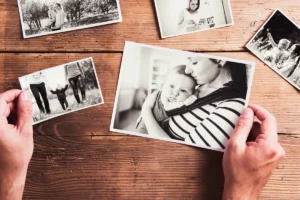
Most old family pictures are not sitting in perfect albums. They are in envelopes, frames, drawers, or a shoebox someone opens before a reunion, funeral, birthday, or move. By then, the edges may be bent, the color may be fading, and nobody is sure if another copy exists.
That is why the first step matters. An app can make a picture look cleaner, but it does not capture the original print. A real photo scan service gives your family a file made from the actual photo, not from a phone shot taken under kitchen lights.
Why The First Digital Copy Matters More Than The Edit?
The first file decides how much detail you can save. If that file is dark, soft, cropped badly, or covered in glare, editing has limits. A careful photo scan gives the work a better base from the start.
Original Detail
Old prints carry quiet details that families care about. A dress pattern, a studio border, a military badge, handwriting on the edge, or the shape of a face can be lost in a quick phone picture. A proper photo scan keeps more of that real information.
Master File
The clean file should be kept untouched. After the first photo scan is saved, edited versions can be made for frames, albums, gifts, and relatives. If an edit looks too strong later, your family still has the original digital copy.
Where AI Helps And Where It Can Go Wrong?
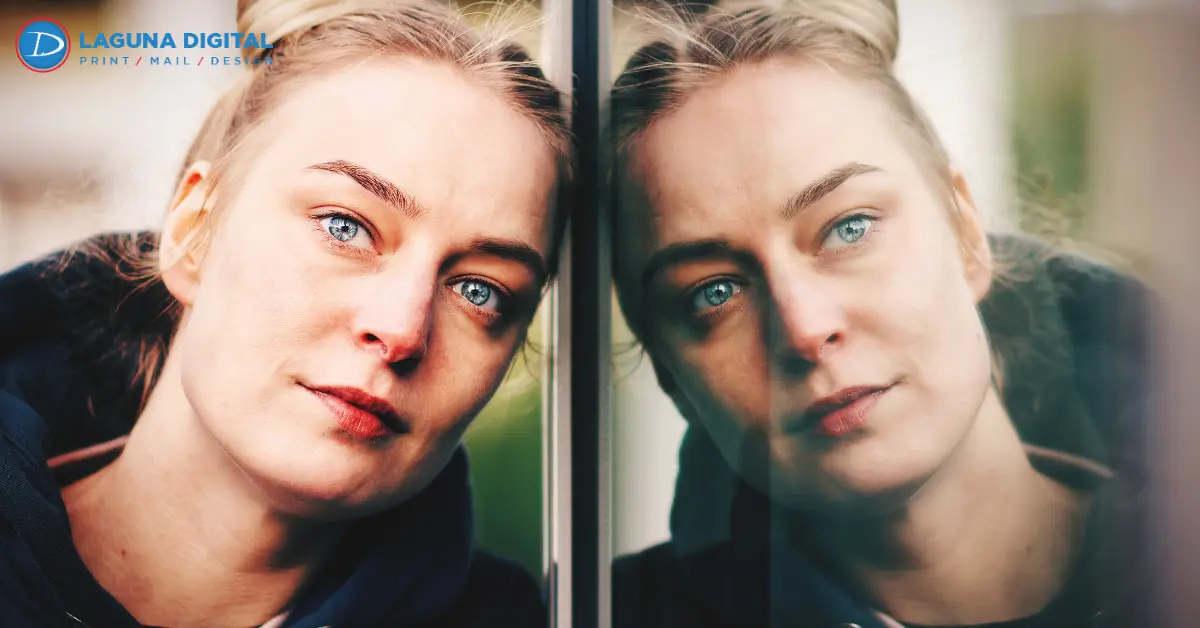
AI can be useful, but it works best after a clean capture. If the input file is weak, the result may look smooth rather than accurate. That may be fine for a quick social post, not for a one of a kind family photo.
Useful Cleanup
AI photo restoration can reduce light marks, improve dull areas, and make a faded face easier to see. It gives better results when it starts from a quality photo scan instead of a tilted phone picture.
Unnatural Faces
Some tools remove too much texture or rebuild eyes and mouths in a way that feels wrong. The photo may look newer, but the person may not look familiar.
Safer Order
This protects the memory while still allowing AI photo restoration where it genuinely helps. For valuable photos, use this order:
- Create a photo scan from the original print
- Save the clean file
- Edit only a copy
- Review the file before printing
How Real Scanning And AI Fixes Compare For Family Photos?
Most want to know which option gives the safer result for photos that matter. A real photo scan should come first because it captures the original print before any software changes the image.
| Area | AI Photo Fix | Real Photo Scan |
| Starting Point | Uses a phone image or uploaded file | Uses the original printed photo |
| Detail Accuracy | May guess missing or damaged areas | Captures visible detail from the real print |
| Best Use | Quick cleanup for casual viewing | Archiving, repair, reprints, and family records |
| Print Quality | Can look soft or artificial when enlarged | Gives digital printing a stronger file |
| Family Archive Value | Useful for quick sharing | Better for photo preservation |
| Main Risk | Faces can look too smooth or fake | Needs careful handling and proper setup |
| Best Workflow | Use after a quality scan | Use before editing or restoration begins |
Print Results
A file can look fine on a phone and still print poorly. Paper reveals blur, glare, weak color, and uneven cropping. A quality photo scan gives the team a cleaner source for digital printing, especially for enlargements and framed pieces.
Archive Value
A clean photo scan can be backed up, copied, named, and stored for future family use. That matters when several relatives need copies or when the original print needs to go back into safe storage.
A Professional Checks Before Scanning
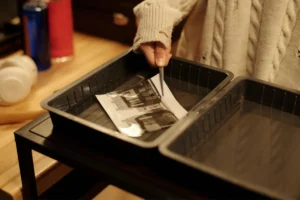
Good scanning is not only pressing a button. A local team looks at the condition of the print, the surface, the size, the curl, and the final use. That judgment is what makes the file easier to use later.
Surface And Condition: Glossy prints, matte portraits, mounted photos, album pages, and cracked images do not behave the same way. A trained photo scanning service can choose a safer approach before making the photo scan.
Color And Exposure: Old prints often shift toward red, yellow, or blue. A clean capture gives a better starting point for correction. This is where photo digitization should feel careful, not rushed.
File Delivery: A useful job should not leave you with random file names. Ask for clear folders, clean masters, and corrected copies when needed. A good photo scanning service makes the photo scan easy to find and use.
Which Photos Should Be Scanned First?
Since a whole box can be intimidating, go through the ones that are most precious to you first. After completing a batch, you can determine if you really want to go through the rest of the box.
Family Pictures
Start with parents, grandparents, wedding shots, kid photos, school pictures, and military photos. These are often the pictures that people request first because the most important part is who is in the picture.
Event Needs
Memorial tables, anniversary gifts, family trees, and reunion displays need clean files. A photo scan made early gives enough time for cropping, light repair, and print preparation.
Damaged Prints
Fading, water marks, tape stains, cracks, and silver shine can get worse. Old photo restoration works better when the file still shows enough detail. A timely photo scan can save information that may fade later.
How To Prepare A Small First Batch?
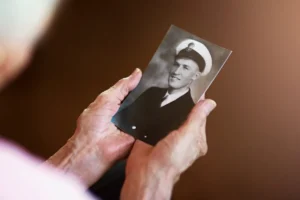
You do not need a perfect system before visiting. A small envelope with the most important photos is enough to begin. The goal is to protect the originals and create files that are useful in real life.
Simple Sorting
Group photos by person, event, or year if you can. Do not pull stuck pictures from old albums. Do not use cleaners or tape. Bring them as they are and let the team check them.
Helpful Notes
Tell the shop which photo matters most, who is in it, and what you want to do with it. A file for a frame may need different handling than a file for storage.
File Options
Ask for file choices that match the way your family will use the pictures:
- Clean master files
- Corrected copies
- Small sharing files
- Print ready files for selected images
This keeps photo digitization organized from the beginning.
Why Local Service Can Save Time And Mistakes
A local print shop gives you something an app cannot give. You can bring the original in, explain the story, ask questions, and choose the right level of scan before the project grows.
Real Review
A person can catch dust, glare, bad crops, weak exposure, and damaged corners before delivery. That kind of review is valuable when the photo scan will be used for gifts, displays, or photo preservation.
Project Planning
If you have a large family box, scanning services can help you start in stages instead of paying for everything blindly. When comparing scanning, begin with a small test batch and review the quality first.
When Repair Should Be Added After The Scan?
Some photos only need a clean scan. Others need extra repair because of cracks, stains, fading, or missing areas. The important part is to decide after the photo scan is made, not before.
Light Repair: Light dust cleanup, crop correction, and basic color help are common for old prints. These changes can make a photo easier to print without changing the person or the feeling of the picture.
Deep Repair: Old photo restoration is better for badly damaged images, while image restoration can help when stains, tears, or missing areas distract from the subject. The clean file should still remain untouched.
Final Versions: For special pictures, ask for a version ready to print and a version ready to share. Image restoration should support the memory, not turn it into something that looks fake.
Frequently Asked Questions
Is AI Enough For Saving Old Photos?
AI can improve a copy, but it should not replace a real scan from the original print. A photo scan gives a safer starting file.
Can Torn Or Faded Photos Be Scanned?
Yes. Many torn, curled, stained, or faded photos can be scanned carefully. Bring them in before the damage gets worse.
Should Repair Happen Before Scanning?
No. Scan first, then repair a copy. This protects the clean file and gives the editor a better source.
Are Phone Pictures Good Enough For Prints?
Phone pictures are usually fine for quick texting, but not for keepsake prints. Glare and blur often show up once the image is printed.
How Should A Large Collection Be Started?
Start with twenty to thirty important photos. Review the results, then continue with the rest of the box if the quality fits your needs.
Wrapping It Up
A quick AI fix can make an old picture look cleaner, but a real photo scan protects the memory first. That is the step families should not skip when the original photo matters.
Laguna Digital helps customers turn old prints into clean, organized files for sharing, printing, archiving, and repair. Bring in a small first batch, start with a careful photo scan, and let the team guide you on the right next step.
Some pictures may only need a clean file. Others may need light color work, careful repair, or a print ready version. The best time to save important photos is before more fading and handling take away details you cannot replace.